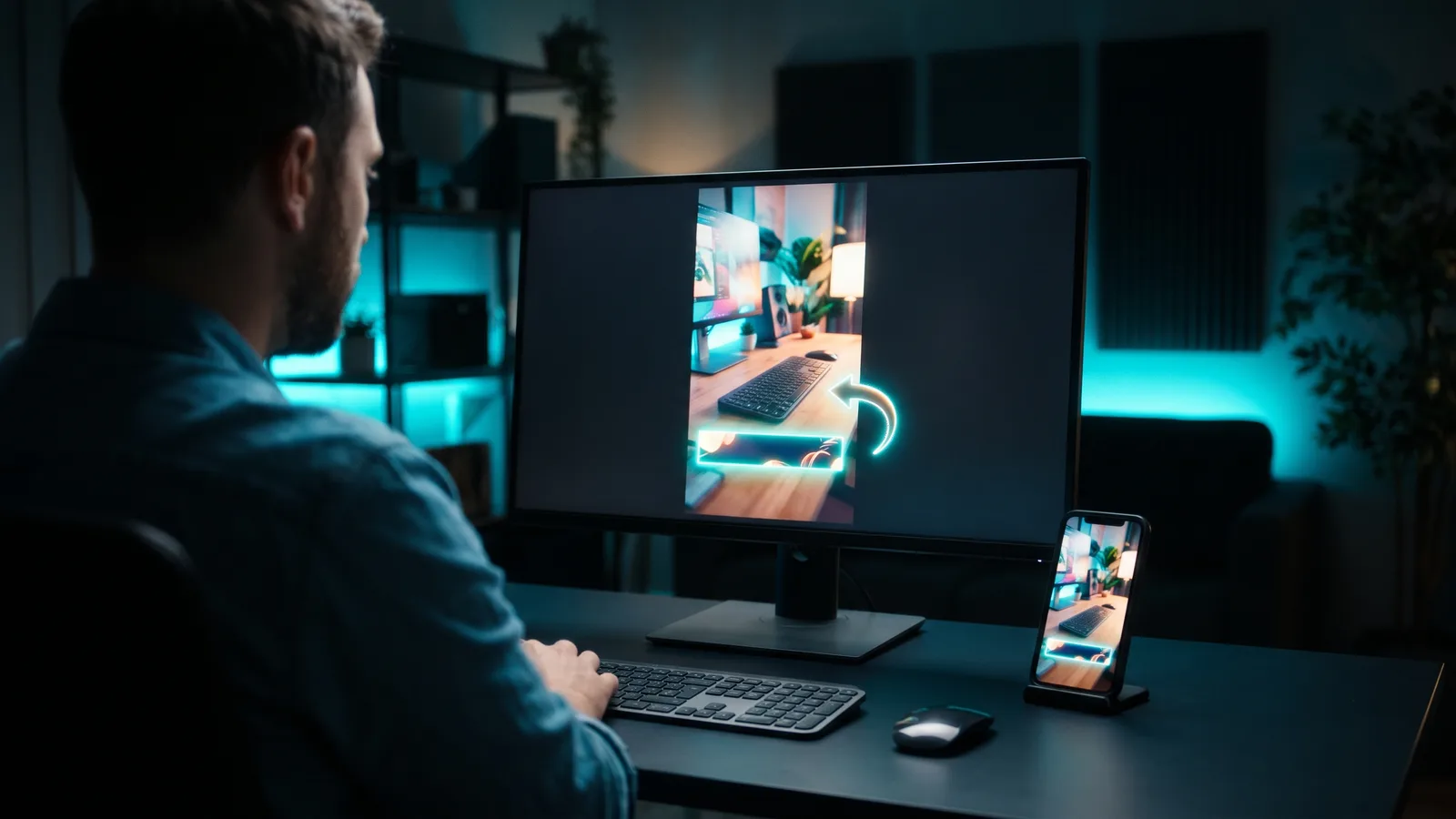
Editing, Captions & Clips
How do I add motion graphics without After Effects?
Get lower thirds, callouts, animated text and zooms into your videos with templates or AI instead of After Effects, plus which tool fits you.
10 min read
THE ZIPPYCLIP BLOG
Fresh ideas for your next video, smarter workflows, and marketing that keeps moving.
Get lower thirds, callouts, animated text and zooms into your videos with templates or AI instead of After Effects, plus which tool fits you.

Record once, post all week: how to turn one long video into 10 clips, stills and text pieces, without tripping duplicate-content rules.
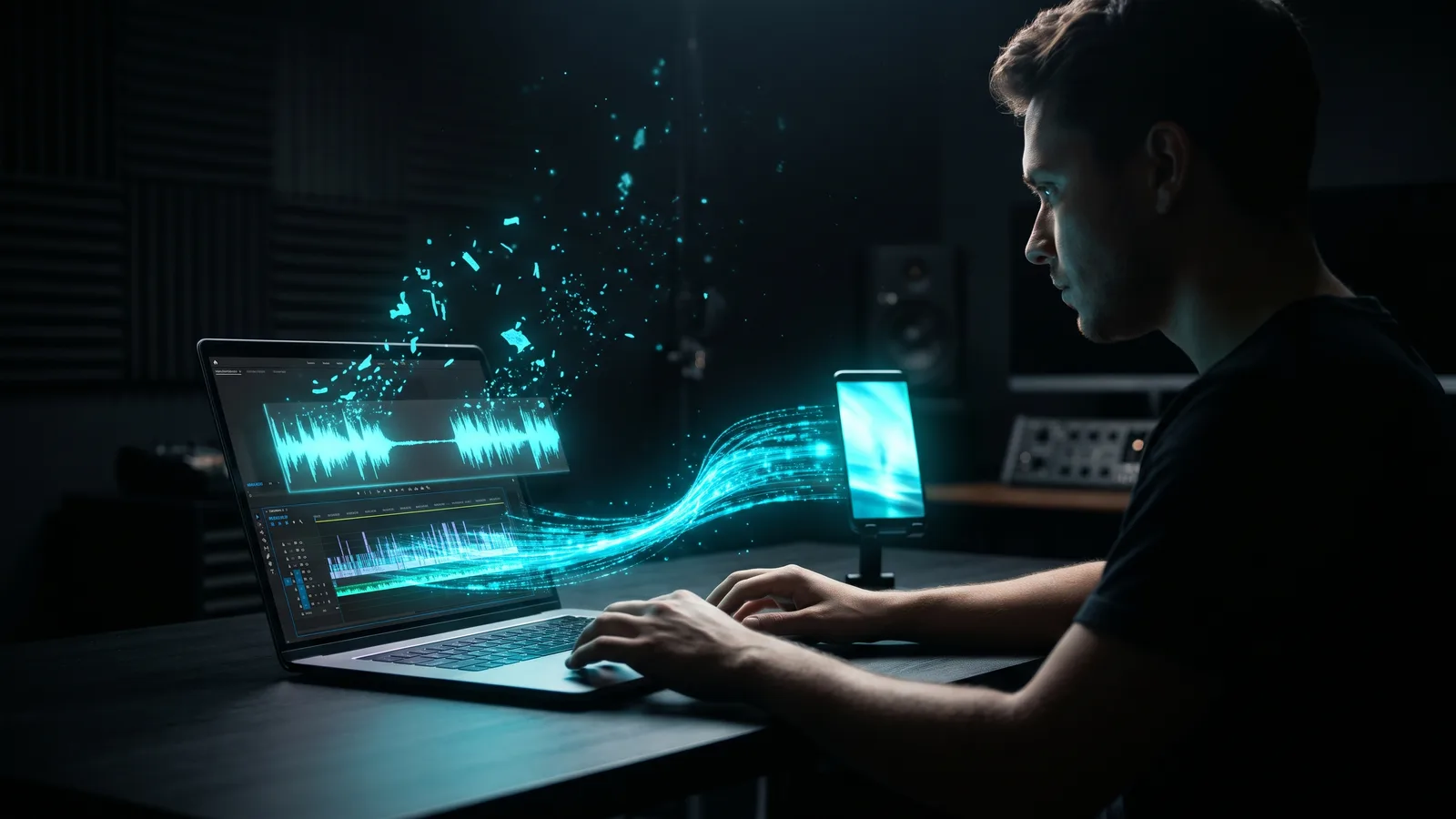
Cut the dead air and the "ums" without editing by hand: set the right threshold, pause length and padding, review the cuts, and pick the tool that fits.

Turn wide footage into full-screen 9:16 videos for TikTok, Reels and Shorts: the four methods, step-by-step guides and the tools that do it for you.
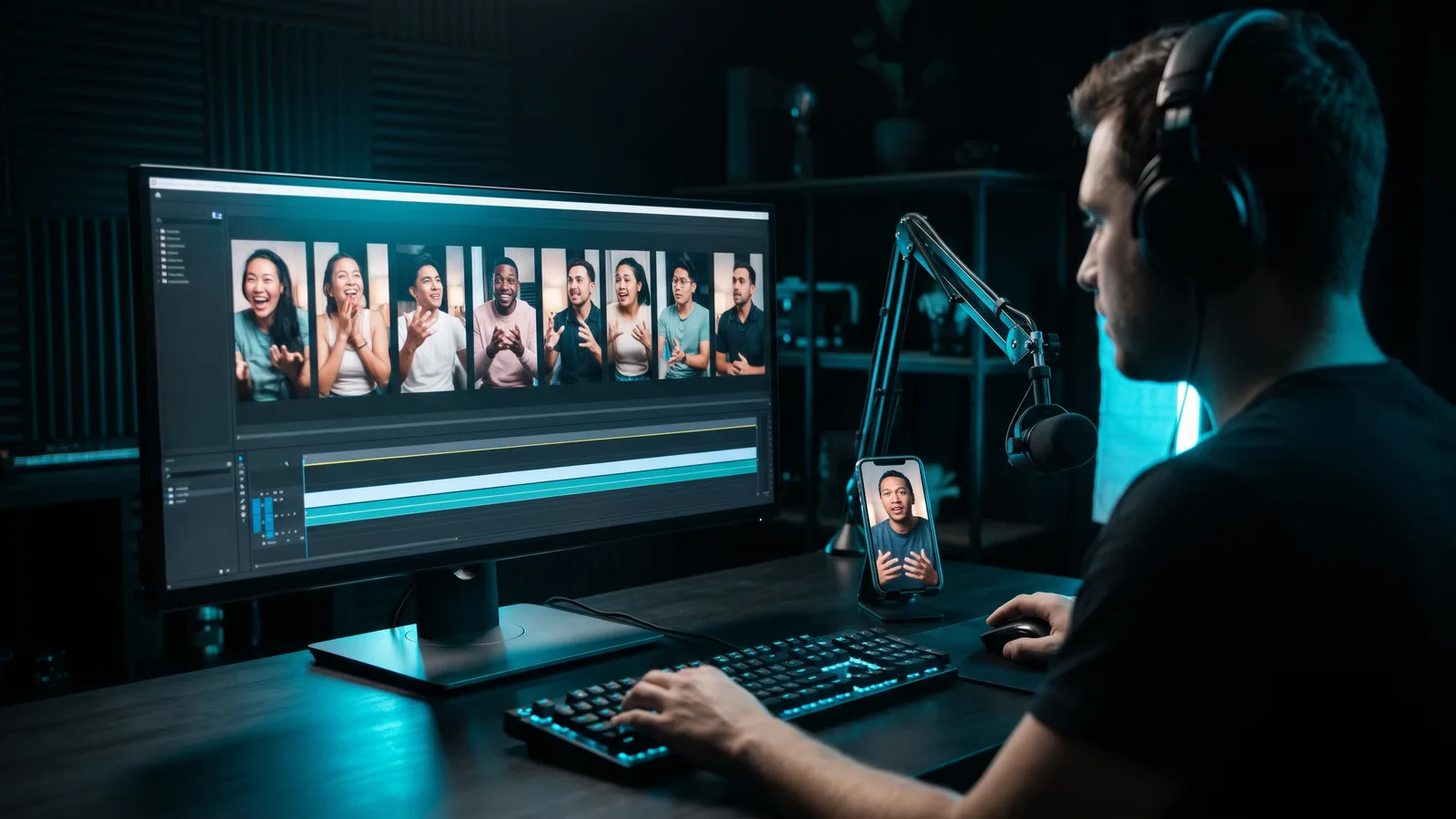
See how an AI clipping tool finds the moments worth posting in your long videos, what its virality score really means, and how to get better clips.
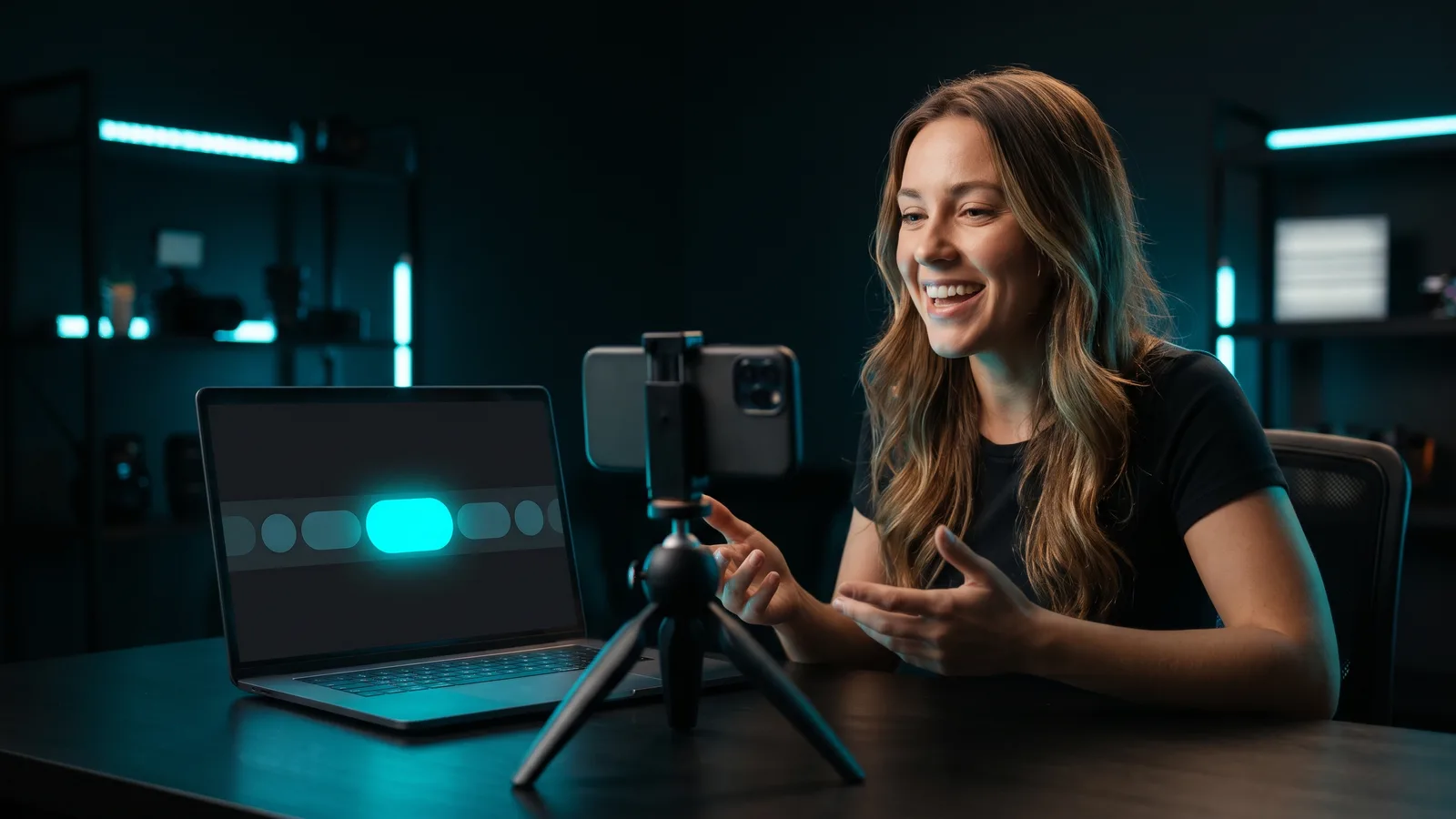
Make captions that highlight each word as it is spoken: fix the transcript, pick a word-level style and keep it readable and clear of app buttons.
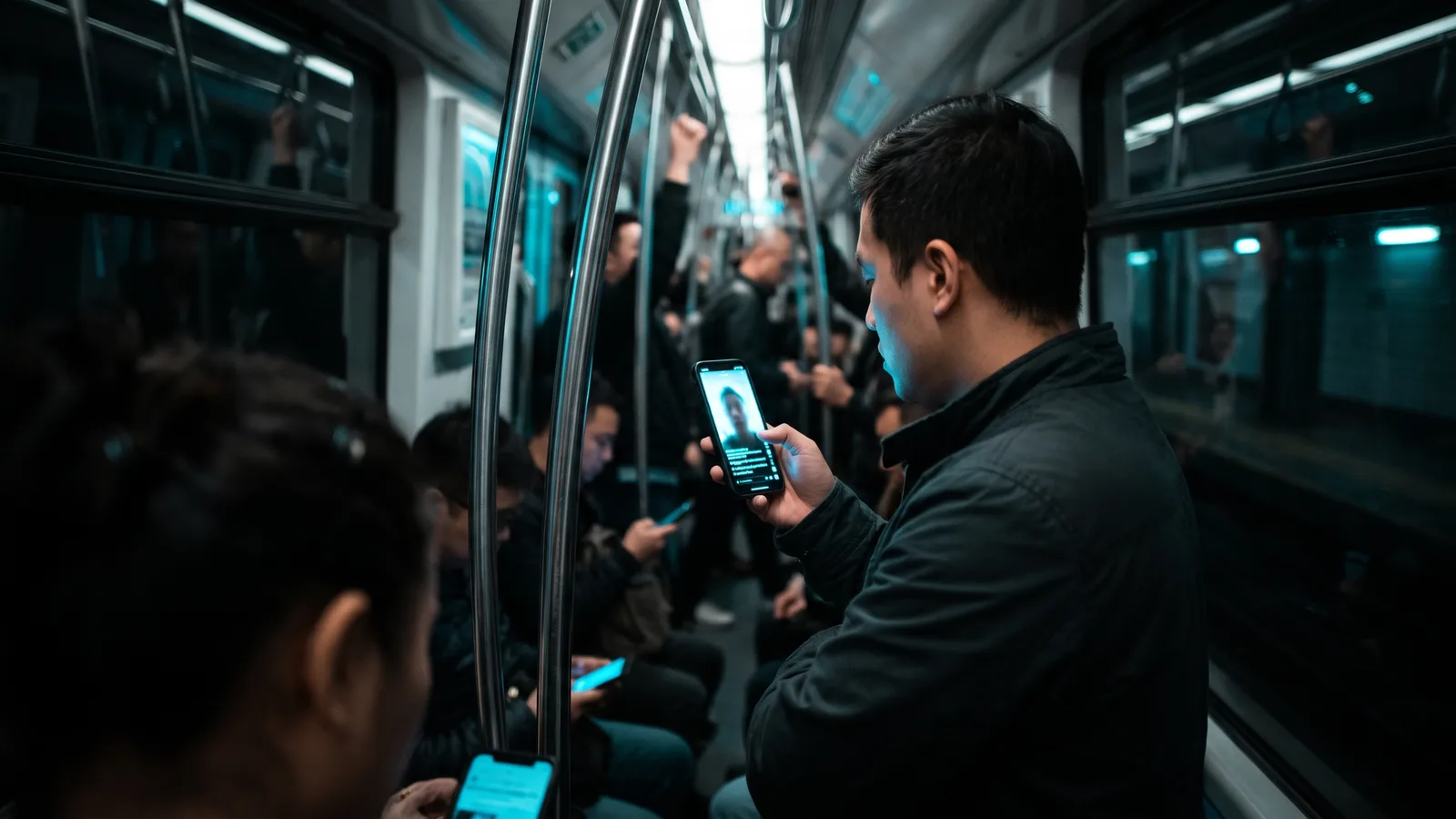
Captions help people understand and remember your videos, but the view-boost stats are old. See what the evidence shows and how to test captions yourself.
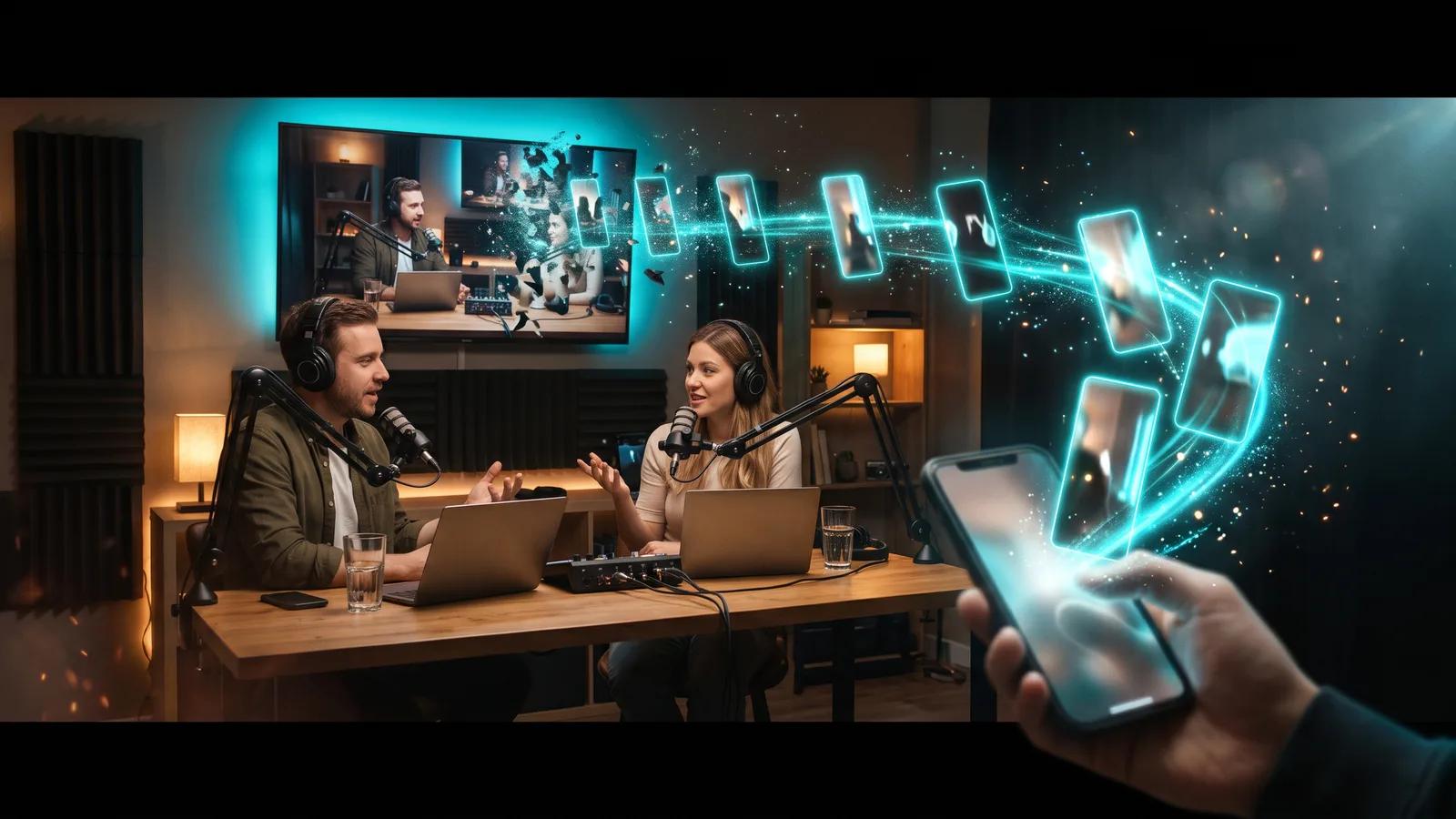
Turn every podcast episode into a week of captioned vertical clips for TikTok, Reels and Shorts. How to record, pick, frame and post them, plus the tools compared.
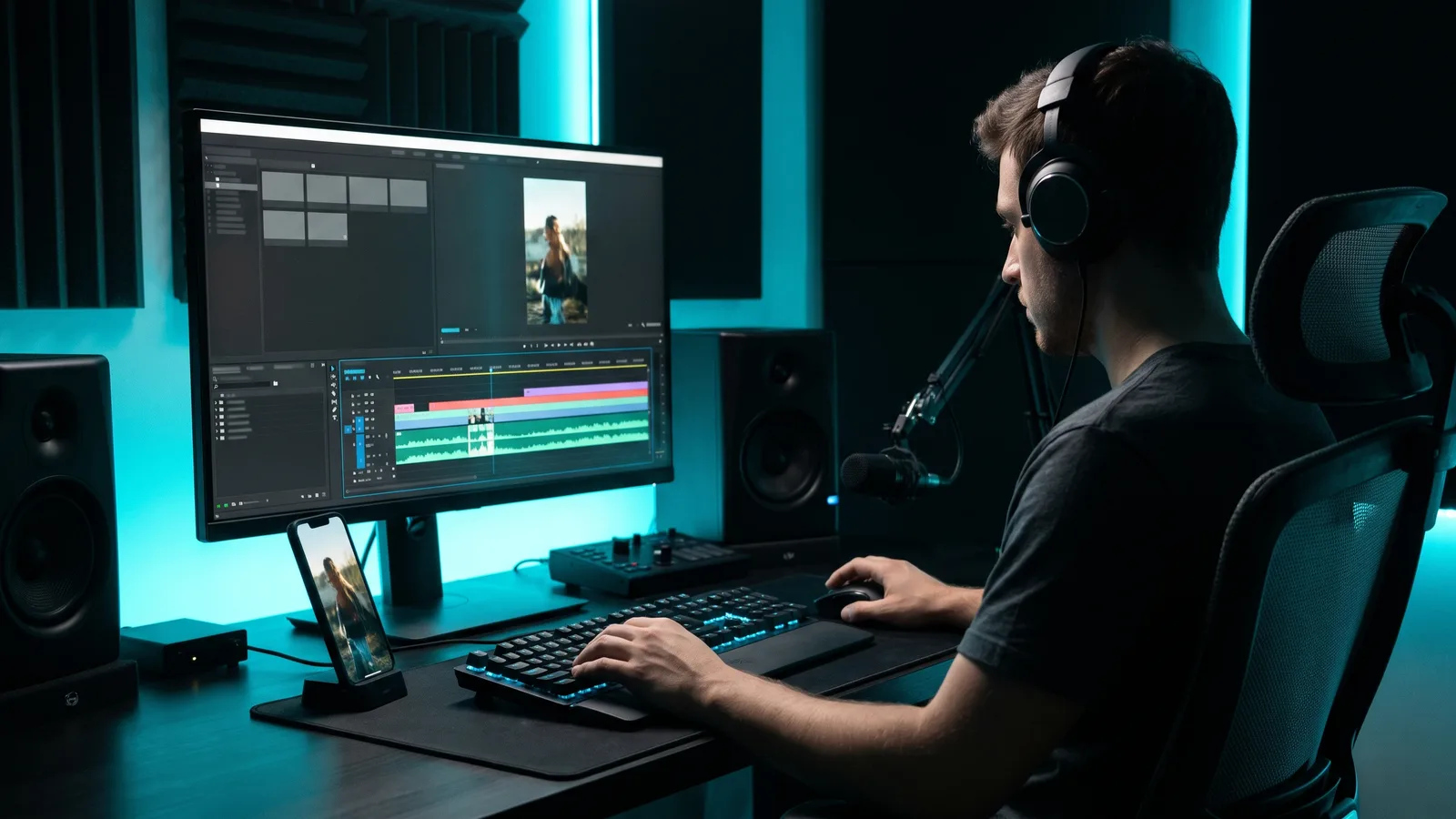
Make your edits feel smooth with whooshes, pops and risers, without copyright claims: where to get licence-safe sounds, how to place and mix them, and which tools help.
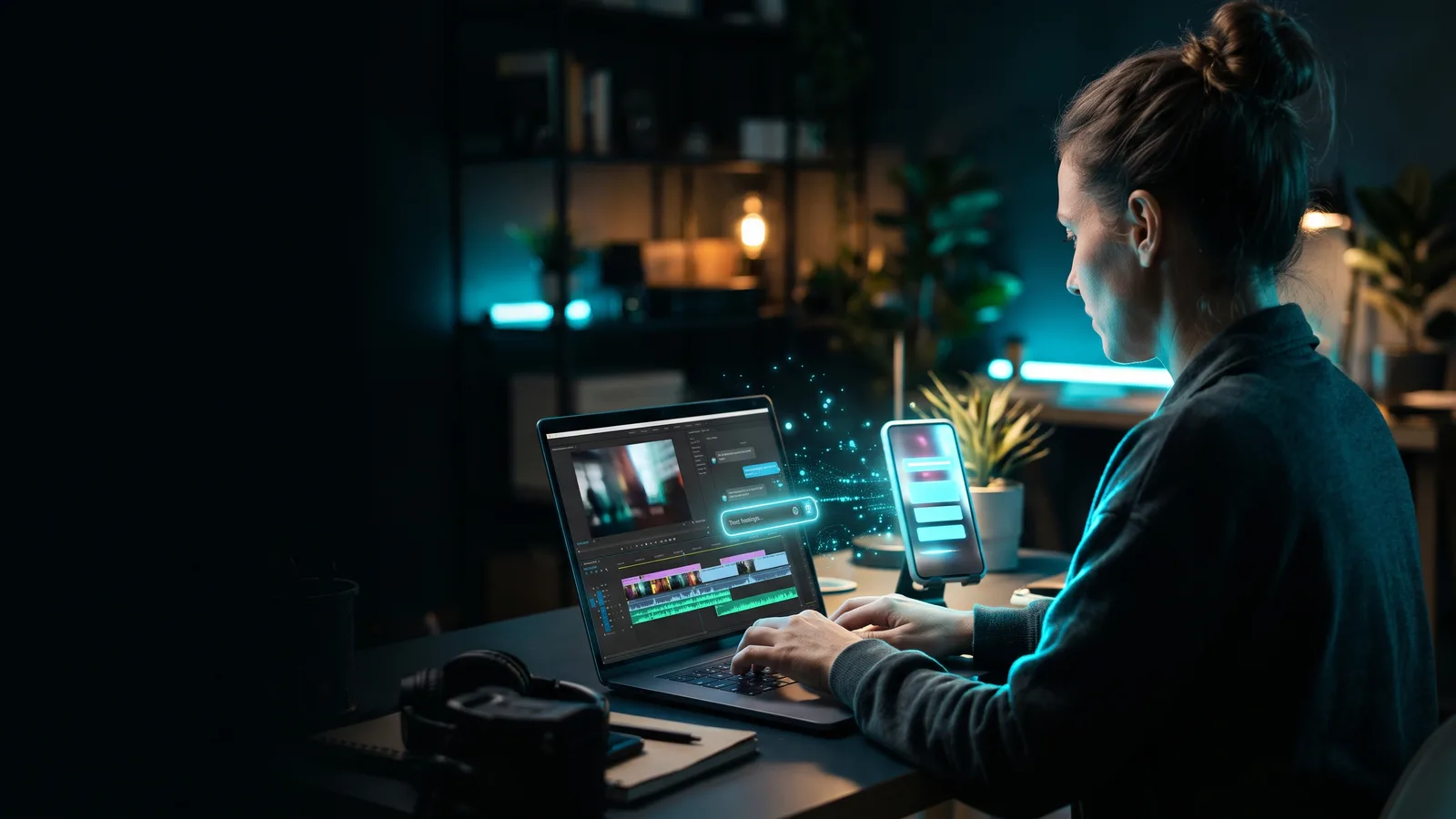
Describe the edit in plain English and let AI do the clicking. Here's how prompt-based video editing works, how to write prompts that land, and which tools do it.
Turn one podcast, webinar or YouTube video into a stack of ready-to-post Shorts, Reels and TikToks. The steps, the specs and the AI tools compared.
Get accurate captions on every video: turn on free auto captions in TikTok, Instagram and YouTube, fix the mistakes, and pick the right caption tool.