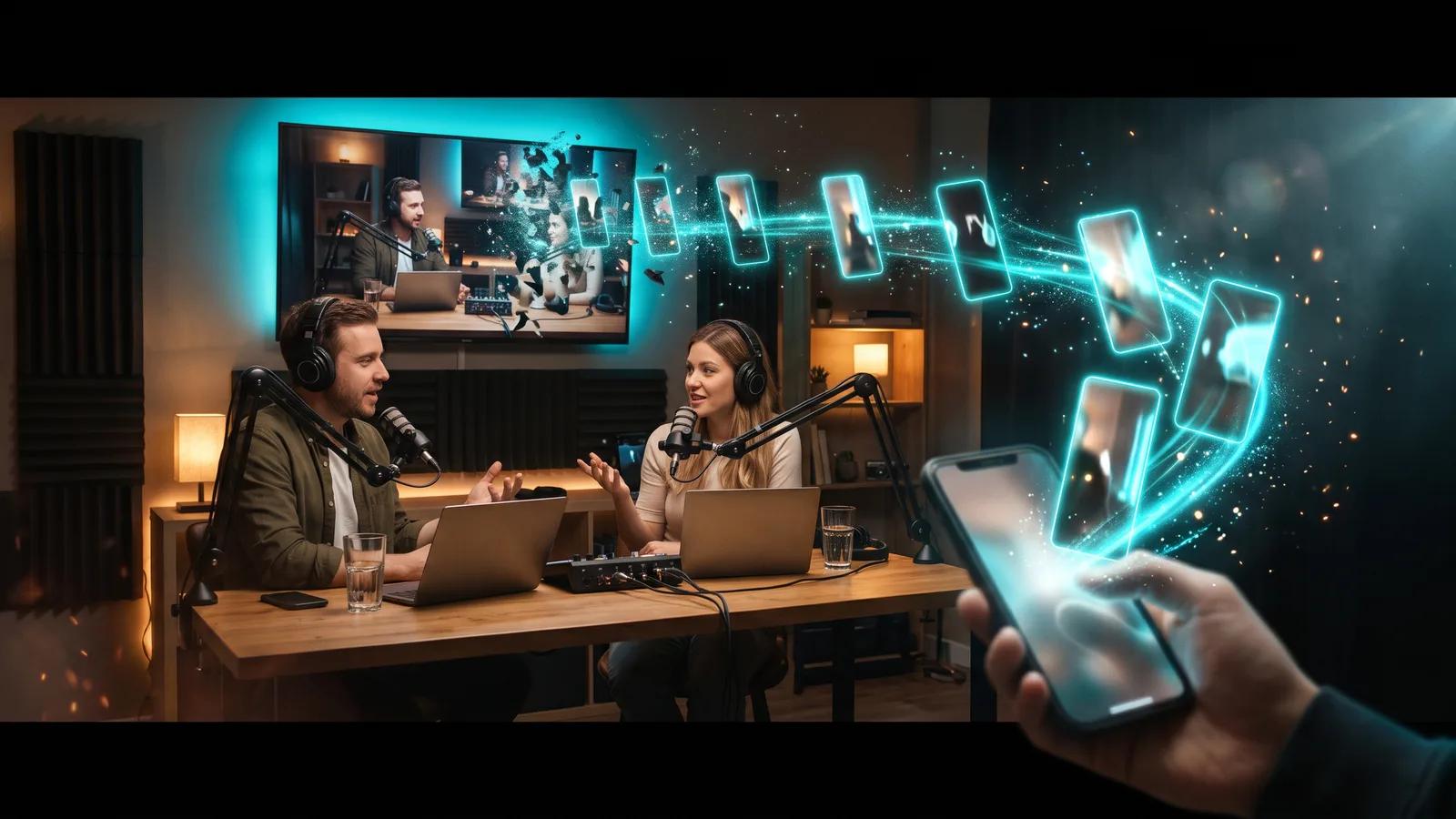
To repurpose a podcast into short clips, record each speaker on a separate track (on video if you can), pick self-contained 30–90 second moments, reframe them to vertical 9:16 with the speaker in frame, burn in captions, and open on the strongest line. Audio-only shows can use audiograms. Get guest permission, then post on a steady schedule.
Key takeaways
- Clipping starts at recording: separate tracks per speaker make it much easier to frame whoever is talking.
- Pick moments that stand alone: a clear answer, story or opinion that a stranger understands without the rest of the episode.
- Vertical, captioned, hook first: 9:16, burned-in captions, and the core message in the first few seconds.
- No video? Add visuals: an audiogram (your audio over an image with an animated waveform), or a talking avatar that lip-syncs to your audio.
- Our pick is ZippyClip: drop in the full recording and it finds the moments, captions and resizes the shorts, and posts them on a schedule.
What are the steps to repurpose a podcast into clips?
- Record for clipping. Record video if you can, with each speaker on their own track.
- Get permission. Make sure your guest agreement covers social clips.
- Find the moments. Look for self-contained answers, stories and strong opinions.
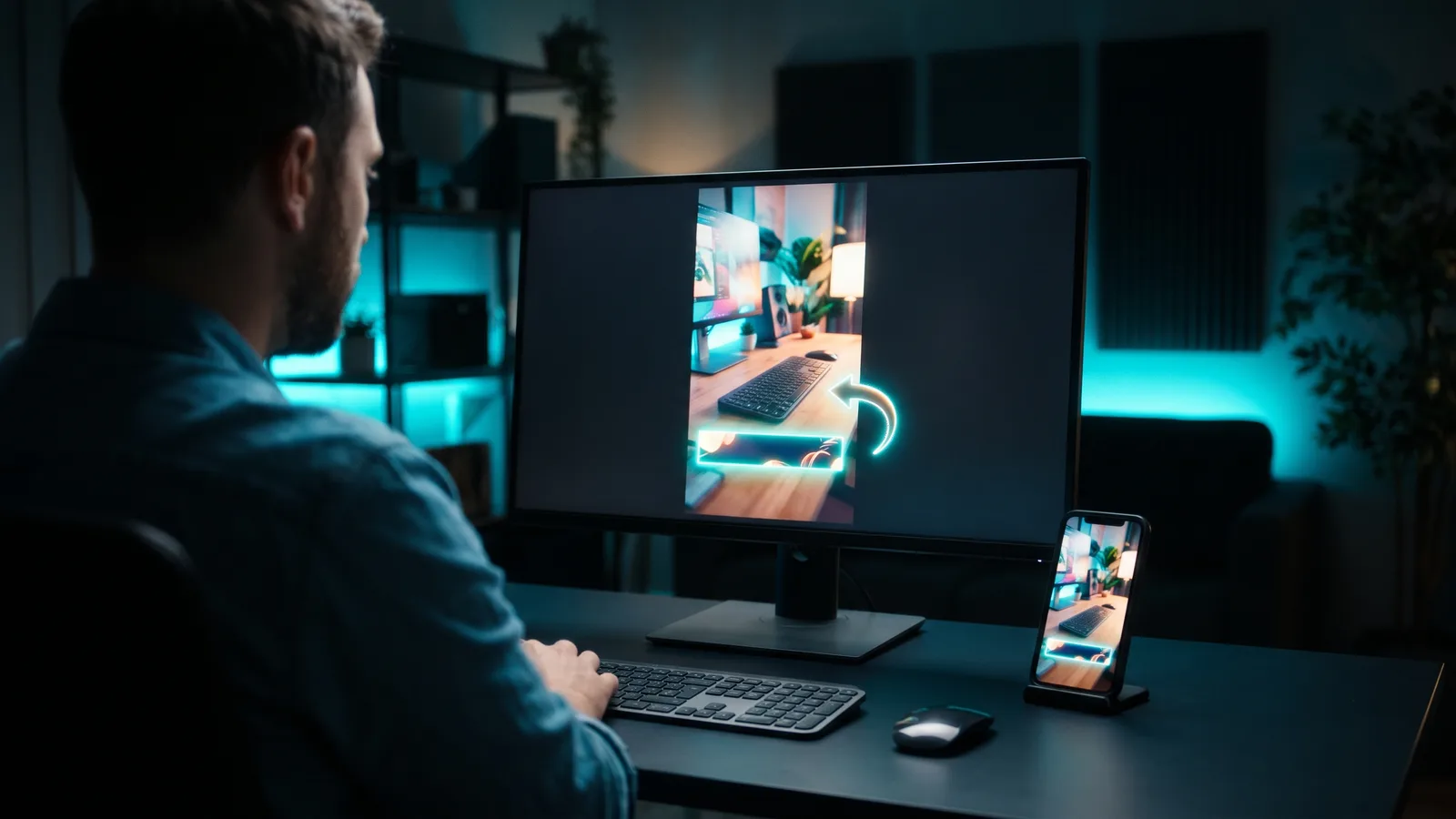
- Reframe to vertical. Crop to 9:16 and keep the active speaker in frame.
- Caption and hook. Burn in captions and start on the best line.
- Audio-only? Turn the clip into an audiogram or add visuals.
- Export clean and post. No other app's watermark, a schedule you can keep, and a link back to the full episode.
For the general version of this process (webinars, YouTube videos and more), see our guide on how to turn long videos into short clips.
How should you record a podcast so it's easy to clip?
Record each person on a separate track, and record video if you can. Separate tracks show an editor (or AI tool) who is speaking, so it can cut to that camera.
- Separate tracks: Riverside records "separate tracks" locally on each guest's own computer, so a slow internet connection shouldn't hurt their quality. Each person's track downloads as its own file.
- Multicam editing: Descript's Automatic Multicam detects who is speaking and switches to the matching camera. You assign each audio track to its camera first, so separate tracks matter here too.
- Framing: leave room around each face. A vertical crop is a narrow slice, so someone at the edge of the frame is hard to keep in view.
One camera on everyone still works; you just get less control over who is on screen.
How do you find the clip-worthy moments in an episode?
Look for moments that make sense on their own: a direct answer, a short story with a payoff, or a strong opinion.
Buzzsprout's advice for audiograms works for video clips too: spark curiosity without giving away the episode's main points.
AI tools can do the first pass:
- Riverside Magic Clips scores each clip from 99 (strongest) to 70, compared with the other clips in the same batch.
- OpusClip gives each clip a Virality Score from 0 to 99, based on hook, flow, value and trend.
Treat scores as a shortlist and listen to each clip before posting.
How long should podcast clips be?
Aim for 30 to 90 seconds as a starting point. That's the typical length of Riverside's Magic Clips, which usually finds about 2 clips per 5 minutes of conversation. Buzzsprout suggests 60 seconds or less for audiograms.
No platform publishes an official ideal length. The hard limits are wider: YouTube Shorts and Instagram Reels both allow up to 3 minutes. Cut to the length the moment needs, and start right on the interesting line.
How do you frame two speakers in a vertical clip?
Use active-speaker framing, which keeps whoever is talking in the vertical frame. This is where separate tracks pay off.
- Descript's Automatic Multicam has a "Show only active speaker" style, plus an "Automatic" style that shows multiple speakers during back-and-forth and adds cutaways during long monologues.
- OpusClip's Auto Reframe tracks moving and active speakers so they stay in view, and you can adjust the framing by hand afterwards.
- ZippyClip's smart vertical reframing uses subject tracking to crop to 9:16 for TikTok, Reels and Shorts.
TikTok's creative guidance (written for ads) also says to keep key content inside the safe zone.
How do you add captions and a hook to podcast clips?
Burn the captions into the video, and put your strongest line in the first few seconds. TikTok's own guidance is to land the core message in the first 3 seconds and to use captions or text overlays.
Captions matter even more for podcasts, because the whole clip is people talking. Descript has word-by-word dynamic captions, Riverside's Magic Clips come with animated captions, OpusClip adds AI captions with keyword highlighting, and ZippyClip has word-level captions. Always read them through, since names and jargon get misheard.
For a deeper look at caption tools, see how to add captions to videos automatically.
Can you make clips from an audio-only podcast?
Yes. The classic format is the audiogram: a short audio clip shown over an image with an animated waveform, so it works on visual platforms.
You have three main options:
- Audiograms: Headliner makes audiograms with animated waveforms and can create them automatically when you publish a new episode.
- Background image: Riverside Magic Clips adds a background image when the recording is audio-only.
- Talking avatar: ZippyClip doesn't list a podcast or audiogram feature, but it can make talking avatars from a sound file that lip-sync to your audio, with no camera needed. For example, a talking avatar that lip-syncs to a voiceover clip.
Make the visual stand out: with the sound off, it's all a scrolling viewer sees.
Do you need your guest's permission to post clips?
You should get it in writing. A podcast guest release form records what the guest agreed to, and informal consent can be hard to prove if a guest later objects to how a clip was used.
A typical release covers recording and publishing on multiple platforms, editing rights, clips for social media and promotion (including paid promotion), and use of the guest's name, voice and likeness. This is general information, not legal advice, and rules vary by country, so check what applies to you.
Which tools are best for repurposing podcast episodes into clips?
The best tool depends on how you record and how much work you want handed off. Prices below are as of October 2026 and can change.
ZippyClip is made by the team behind this blog.
| Tool | Best for | Key features | Price / free option | Watch-outs |
|---|---|---|---|---|
| ZippyClip (our pick) | Turning episodes into posted shorts with no manual steps | Viral moment detection, word-level captions, vertical reframing, scheduled posting to 5 platforms, talking avatars from a sound file | Free to start (watermark, 50 API tokens); Pro removes the watermark | Desktop app (Windows, macOS); TikTok publishing is Pro |
| Riverside | Shows that record remote interviews in Riverside | Local separate tracks, automatic Magic Clips with scores, audio-only support | Free (720p, watermark); Pro $29/mo or $24/mo billed yearly (pricing page may be out of date) | Magic Clips is experimental; limited clip sets; scheduling is on Grow ($39/mo) |
| OpusClip | Video podcasts with many long episodes | Virality Score, Auto Reframe, AI captions, scheduler on Pro | Free (watermark, no export after 3 days); Starter $15/mo; Pro $29/mo or $14.50/mo billed yearly | Uses 1 credit per minute of video; Starter can't schedule |
| Descript | Editing the full episode and clips by text | Transcript editing, Automatic Multicam, dynamic captions, Studio Sound | Free (1 media hour/month, 720p, watermark); Hobbyist from $16/mo | AI co-editor is beta; no multi-platform auto-posting found |
| Headliner | Audio-only podcasts | Audiograms with waveforms, auto-created for new episodes, AI clips, auto-post | Forever Free (ads, mostly watermarked); Basic 9.99/mo or 7.99/mo yearly; Pro 25.99/mo or 19.99/mo yearly (shown with "$", currency not named) | Free plan limits; pricing page details vary between versions |
1. ZippyClip — our pick
ZippyClip is our pick because it handles the whole job, from the raw recording to the post. Drop a long podcast recording in, and its viral moment detection finds the moments with the highest viral potential and cuts them into separate shorts, captioned and resized.
It also writes SEO titles, descriptions and hashtags for each platform and publishes to YouTube, TikTok, Facebook, Instagram and X. You can schedule posts every X hours, so one episode becomes a steady drip of clips instead of a single burst.
It also fits a weekly routine: point a watch folder at where your recordings land, and ZippyClip runs your saved prompt, edits and publishes. Or describe the edit in plain English, like "Cut this long video into 3 viral shorts". It removes pauses and filler words, and it can make a talking avatar from a sound file, such as a voiceover clip, that lip-syncs to your audio.
It's a desktop app for Windows and macOS, and your videos stay on your computer. It's free to start (exports carry a watermark, with 50 API tokens included). Pro removes the watermark and adds TikTok publishing, unlimited watch folders and scheduling.
2. Riverside
Riverside suits shows that already record there. Separate local tracks make multi-speaker clips cleaner, and Magic Clips appear automatically; Pro users can set clip length and pick which speakers to focus on. The catch: Magic Clips is labelled experimental, each recording gets a limited number of clip sets, and social scheduling sits on the Grow plan.
3. OpusClip
OpusClip suits video podcasts with a big back catalogue. It scores clips, tracks active speakers and adds AI captions. Credits are used per minute of source video, so a 60-minute episode uses 60 credits. Free clips are watermarked and can't be exported after 3 days.
4. Descript
Descript is best if you edit the full episode yourself. You edit by changing the transcript, Automatic Multicam handles speaker switching, and its AI co-editor (beta) can find social clips and make them vertical. Posting to social platforms is still on you.
5. Headliner
Headliner is the specialist for audio-only shows. It makes waveform audiograms, can create them automatically for new episodes, and can auto-post them on paid plans. The free plan is ad-supported, and most of its exports are watermarked.
How often should you post podcast clips?
Post on a schedule you can actually keep. YouTube's own Shorts tips say regularity matters more than any specific number.
One episode can feed several days of posts, and a scheduler that posts at a set interval makes this hands-off. For more on frequency, read how often you should post short videos.
- Upload clean files. TikTok keeps reuploads with another app's visible watermark out of the For You feed, and Instagram shows watermarked reels less.
- Link back to the episode. On YouTube, the "Related video" option (YouTube Studio → Content → select the Short) adds a clickable link from a Short to the full episode. YouTube's blog (July 2026) suggests a spoken and visual call to action in the clip's last 5 seconds.
What's the fastest way to repurpose podcast episodes into clips?
Let one tool find, caption, resize and post the clips. Record with separate tracks, drop the episode into an AI clipping tool, review the shortlist, and schedule the clips across the week.
Sources
- Riverside Help — Download high-quality tracks
- Riverside Help — About Magic Clips
- Riverside — Pricing
- Descript Help — Automatic multicam
- Descript — Pricing
- Descript — Video caption generator
- Descript Help — Underlord (beta)
- OpusClip — Pricing
- OpusClip Help — How are credits consumed
- OpusClip Help — Virality score
- OpusClip Help — Face tracking
- OpusClip Help — Scheduler FAQ
- Headliner — Pricing
- Headliner — Homepage
- Buzzsprout — Podcast audiograms tips
- Sprintlaw UK — Podcast guest release form
- YouTube Official Blog — Related videos traffic guide
- YouTube Help — Get started with YouTube Shorts
- YouTube Help — Shorts upload tips
- Storyboard18 — Instagram extends reels to three minutes
- TikTok Ads Help — Creative best practices
- TikTok Community Guidelines — For You feed standards
- Instagram — Ranking explained