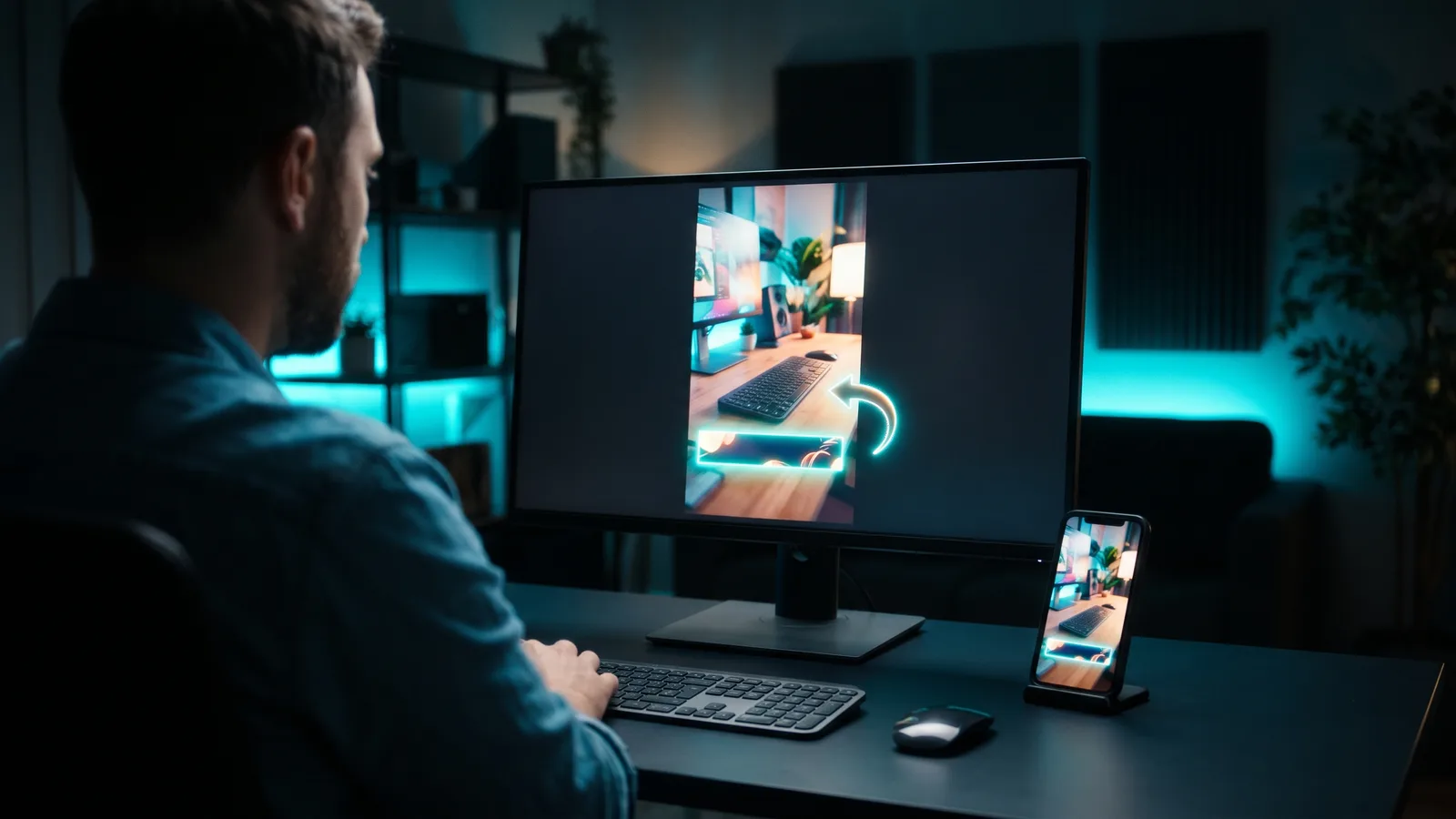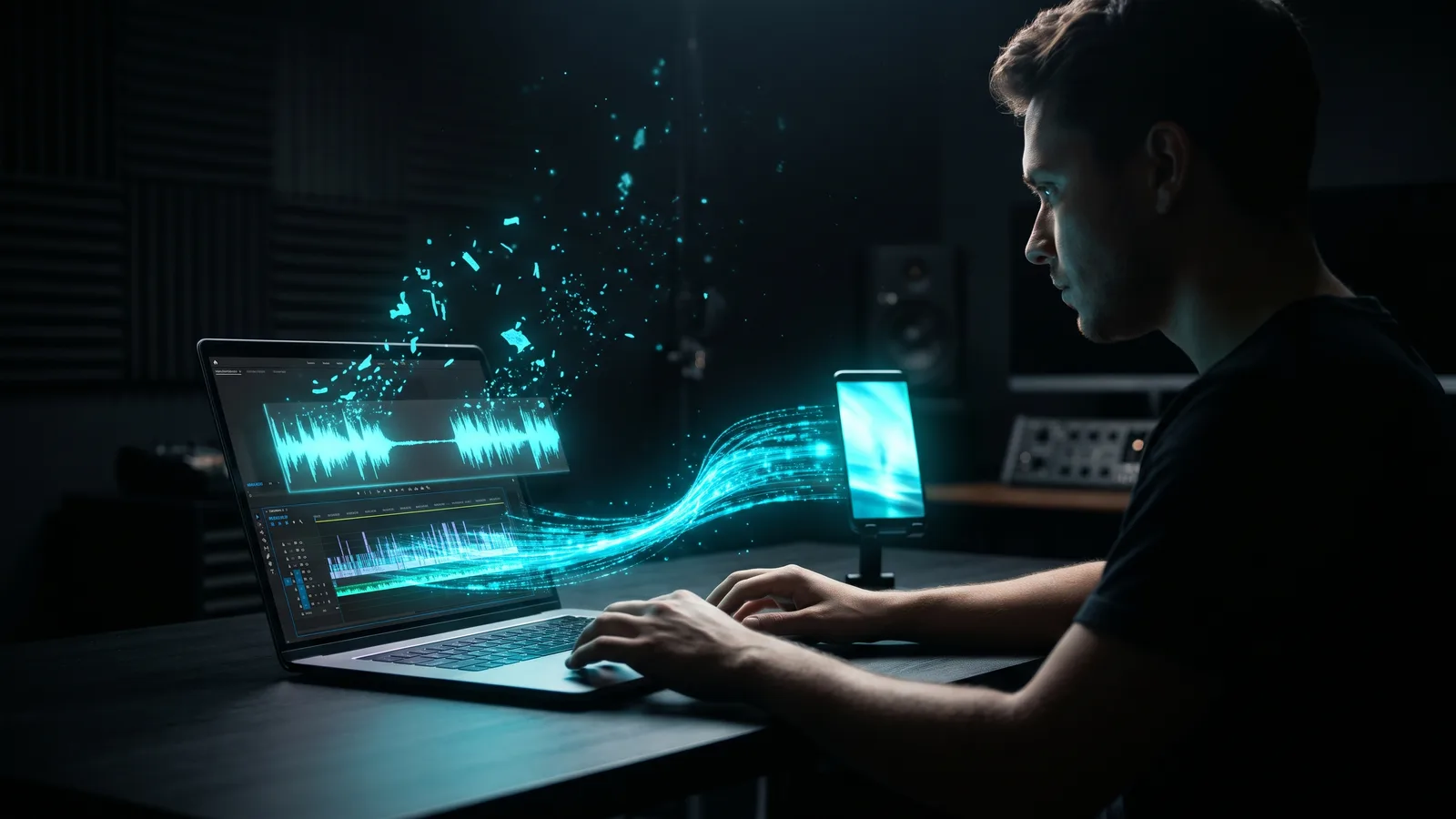
Content repurposing means turning one long video into many smaller pieces. From a single recording you can make short vertical clips, quote clips, FAQ clips, a teaser, an audiogram, thumbnail stills, a carousel, a blog post, a newsletter and a thread. Cut the video pieces first, write the text pieces from the transcript, and adapt each one to its platform.
Key takeaways
- One long video can feed 10 formats: 4 video, 1 audio, 2 image and 3 text pieces.
- YouTube Shorts can be up to 3 minutes. News reports say Instagram Reels can be too, and that Instagram carousels hold up to 20 slides.
- Reposting your own clip on several platforms is fine. Problems come from other apps' watermarks, near-identical copies and low-value mass production.
- AI tools do the heavy lifting: a clipping tool for the video pieces, a transcript tool for the text pieces.
- Review every AI clip and draft before it goes out.
What is content repurposing?
Content repurposing is reusing one piece of content in new formats for new places. Instead of filming 10 times, you record once and turn that recording into pieces that suit TikTok, Reels, Shorts, your blog, your email list and more.
For a small business, this is the difference between posting once a week and posting every day from the same effort. If that's your goal, see how to post every day without making videos every day.
What are the 10 pieces you can make from one video?
You can make 10 distinct pieces, grouped by format. Here is the map, starting from one 20–60 minute video such as a webinar, podcast, product demo or talk.
Video pieces (4)
- Highlight shorts. The strongest self-contained moments, cut to vertical 9:16 with captions. YouTube Shorts can be up to 3 minutes (since October 15, 2024), and Instagram Reels can also run up to 3 minutes, according to a January 2025 news report (Storyboard18). For the full method, see how to turn long videos into short clips.
- Quote clips. One strong sentence or opinion, with the key line shown as on-screen text. TikTok's creative advice for ads is to land the core message in the first 3 seconds.
- FAQ clips. One question, one answer per clip. Use the questions customers actually ask you.
- Teaser. A short preview that points to the full video. On YouTube, the "Related video" feature (YouTube blog, July 14, 2026) lets you attach a clickable link from a Short to your long video. YouTube suggests a spoken and on-screen call to action in the last 5 seconds.
Audio piece (1)
- Audiogram. A short audio clip over an image with an animated waveform. Buzzsprout suggests 60 seconds or less, and a clip that sparks curiosity without giving away the main points. Make the visual stand out, because many people scroll with sound off.
Image pieces (2)
- Thumbnail stills. Pull strong frames for your YouTube thumbnail. YouTube recommends 16:9 for videos and 9:16 for Shorts, in JPG or PNG, and your account must be verified to upload a custom thumbnail.
- Carousel. Turn the video's steps or tips into slides. Instagram carousels can hold up to 20 photos or videos, according to Social Media Today (rolled out August 2024).
Text pieces (3)
- Blog post. Edit the transcript into a proper article with headings, and embed the video.
- Newsletter. Send the key lesson to your email list, with a link to watch the full video.
- Thread. Post the main points as a short text thread on X or LinkedIn, one idea per post.
Ten is a guide, not a rule. A short video might give you five pieces; a packed webinar might give you twenty.
How many clips can you get from one video?
It depends on how much useful talk is in it. No platform sets an ideal number. Vendors give rough guides: Riverside says its Magic Clips produce about 2 clips per 5 minutes of conversation, usually 30–90 seconds each. Vizard says its newest model finds about 13 high-confidence clips per hour of video. Treat these as vendor estimates, not targets.
What's the step-by-step workflow?
Work from the long video outward: video first, then audio, images and text. Here is a simple order that works for a solo operator.
- Record one strong video. Clear audio matters, because most AI tools start from the transcript. Speak in self-contained chunks: point, explanation, payoff.
- Get the transcript. It feeds every text piece and helps AI tools find moments.
- Cut the video pieces. Pick the highlights, quotes, FAQ answers and teaser. Reframe to 9:16, add captions and open on the strongest line.
- Review every clip. AI "virality scores", such as OpusClip's 0–99 Virality Score, are the vendor's estimate, not a promise.
- Make the audiogram and stills. Pick a 60-second audio moment and a few clean frames.
- Write the text pieces. Turn the transcript into a blog post, a newsletter and a thread. Edit them so each one is useful on its own.
- Export clean files. At least 720p (TikTok's guidance), and no other app's watermark.
- Adapt and schedule. Write titles and captions per platform, link shorts back to the full video, and post on a schedule you can keep. YouTube's own Shorts tips say regularity matters most.
If your long video is a podcast, the same steps apply with a few extras, like guest permission. See how to repurpose a podcast into short clips.
Does reposting the same content count as duplicate content?
No, reposting your own clip on several platforms isn't a problem in itself. The rules target watermarks, near-copies and low-value mass production. Here is what each platform says, as of October 2026.
- TikTok: reuploads with no new creative changes, including videos with another app's visible watermark or logo, aren't eligible for the For You feed.
- Instagram: watermarked or low-resolution reels, reels with borders, and reels already posted on Instagram are shown less.
- YouTube: the reused content policy blocks monetization when content is repurposed "without adding significant original commentary, substantive modifications, or educational or entertainment value." Content where you are prominently featured is an allowed example. A separate "inauthentic content" rule (renamed from "repetitious content" on July 15, 2025) covers repetitive or mass-produced videos, such as near-identical low-value videos and templated slideshows.
- Google Search: duplicate pages on your own site are treated as a "which URL to show" question, not a penalty. Google says most sites "will likely do just fine" without special tags. What Google does treat as spam is "scaled content abuse": making many low-value pages, including with AI, mainly to rank.
So the safe approach is simple. Upload a clean file to each platform. Change the title, caption and hook for each audience. Turn the transcript into a genuinely edited blog post, not a raw dump. And don't flood any channel with near-identical clips.
Which tools help you repurpose one video into many pieces?
You need two kinds of tool: one for the video pieces and one for the text pieces. Most people don't need more than that. Here are four options, with prices as of October 2026 (prices can change).
ZippyClip is made by the team behind this blog.
| Tool | Best for | Key features | Price / free option | Watch-outs |
|---|---|---|---|---|
| ZippyClip (our pick for video pieces) | Turning one long video into many posted shorts on autopilot | Viral moment detection, captioned and resized shorts, auto-cut short when you publish long-form, SEO titles per platform, scheduling every X hours, 5 platforms | Free to start (watermark, 50 API tokens); Pro removes the watermark | Desktop app (Windows, macOS); TikTok publishing is Pro; doesn't write blog posts or newsletters |
| OpusClip | Lots of clips from podcasts and webinars | Virality Score, prompt-based clipping, speaker-tracking reframe, captions, AI hook headline | Free: 60 credits/month, watermark; Starter $15/month; Pro $29/month or $14.50/month billed yearly | 1 credit = 1 minute of video; free clips can't be exported after 3 days; scheduling only on Pro |
| Castmagic | The written pieces | Transcripts in 60+ languages; blog articles, newsletters, threads, LinkedIn posts, carousels, show notes, quotes; clips and audiograms | Hobby $19/month, Starter $48/month, Team $139/month (all billed yearly) | No free plan shown; monthly prices not listed; social scheduling not described |
| Headliner | Audiograms for audio-first content | Animated waveform audiograms, captioned clips, auto-post to 6 networks, show notes and social captions | Forever Free (ad-supported, mostly watermarked); Basic $9.99/month; Pro $25.99/month | Free plan is mostly watermarked; plan details vary between page versions |
Why ZippyClip is our pick for the video pieces
Four of the 10 pieces are videos, and that's where most of the editing time goes. ZippyClip is built to do that part for you, from the cut to the post.
- It finds the moments. Drop in a long recording, like a podcast or webinar. Viral moment detection finds the parts with the highest viral potential and cuts each into a separate short, captioned and resized.
- It formats them for each platform. Smart vertical reframing tracks the subject for 9:16. Word-level captions are styled the way you want, and pauses and filler words are removed.
- It turns your long video into a short automatically. When you publish a long-form video, ZippyClip can also cut a short under 3 minutes from it and post that too.
- It writes the platform copy. The AI writes SEO titles, descriptions, hashtags and tags for each platform, and can post different captions for Instagram and X. That helps each repost feel made for its audience.
- It posts on autopilot. Schedule posts every X hours to YouTube, TikTok (Pro), Facebook, Instagram and X from one screen, grouped by business. Scheduling is included in the free version.
- You can just ask. Type "Cut this long video into 3 viral shorts" and it does the edit.
Pro also adds 1-click thumbnails for old long-form videos, which helps with piece 6.
ZippyClip is free to download with the full editor and automation engine and 50 API tokens. Free exports include a watermark. Pro removes it, which matters given TikTok's and Instagram's watermark rules above. Pro also adds TikTok publishing and makes scheduling unlimited.
When to use the others
- OpusClip if you want a virality score on every clip and mainly clip podcasts or webinars.
- Castmagic for the blog post, newsletter, thread and carousel text. It covers the written half that the clipping tools here don't.
- Headliner if your content is audio-only and you want audiograms posted automatically.
A practical combo for a small business: ZippyClip for the video pieces and posting, plus a transcript tool like Castmagic, or your own editing, for the text.
Is there a free way to repurpose a video?
Yes, but expect watermarks or manual work. ZippyClip, OpusClip and Headliner all have free options that add a watermark. YouTube's built-in "Edit into a Short" (added in 2022, per Social Media Today) lets you turn a segment of your own long video into a Short in the mobile app, and that Short links back to the original. Text pieces can always be written by hand from the transcript.
How long should each piece be?
Shorts can run up to 3 minutes (Reels too, per news reports), but no platform names an ideal length. Riverside's clips usually land at 30–90 seconds, and Buzzsprout suggests audiograms of 60 seconds or less. Whatever the length, put the hook first: TikTok advises getting the core message across in the first 3 seconds.
Sources
- YouTube Help: Get started with YouTube Shorts
- YouTube Help: Shorts upload tips
- YouTube Help: Add video thumbnails
- YouTube Help: Channel monetization policies
- YouTube Official Blog: Tall updates coming to Shorts
- YouTube Official Blog: Related videos traffic guide
- Social Media Today: YouTube's Edit into a Short
- Social Media Today: Instagram expands carousels to 20 frames
- Storyboard18: Instagram extends Reels to three minutes
- Instagram: Ranking explained
- TikTok Ads Help: Creative best practices
- TikTok Community Guidelines: For You feed eligibility
- Google Search Central: Consolidate duplicate URLs
- Google Search Central: Spam policies
- Buzzsprout: Podcast audiograms tips
- Riverside Help: About Magic Clips
- Vizard Blog: Model v2
- OpusClip pricing
- OpusClip Help: How are credits consumed
- OpusClip Help: Virality score
- OpusClip Help: Scheduler FAQ
- Castmagic pricing
- Castmagic homepage
- Headliner pricing
- Headliner homepage