A service business promo video that sells follows five beats: show the customer's problem in the first 3 seconds, briefly show what it costs them, show your service fixing it, add real proof, then give one clear next step. Keep most versions 15–60 seconds, vertical 9:16, with captions. You can film it on a phone or make it without filming.
Key takeaways
- Lead with their problem, not your logo. TikTok says to get your core message across in the first 3 seconds and land the hook within 6.
- Use problem → agitation → solution → proof → call to action. It's a classic copywriting formula with proof and a call to action added.
- Proof must be real. In the US, the FTC bans fake and AI-generated testimonials, and featured results must be typical or come with a clear note on what people generally get.
- Short wins for most placements. Google recommends Shorts ads under 60 seconds, and Google Business Profile videos max out at 30 seconds.
- No camera? No problem. AI tools can build the video from your website, a script, your photos or an avatar.
What is the problem → agitation → solution structure?
It's a five-part story that puts your customer's problem first and your service second. The core is Problem-Agitate-Solve (PAS), a long-standing copywriting formula: name the problem, stir up what's at stake, then present the fix. Copyblogger advises picking the most common pain point your audience has, not a niche one.
For video, add two beats at the end:
Rough timings below are for a 30-second version.
- Problem (0–3 seconds): show or say the one problem your ideal customer has, in their words.
- Agitation (3–8 seconds): what it costs them if it's not fixed: money, time, stress, embarrassment. Keep it honest and brief.
- Solution (8–20 seconds): your service fixing it. Show the work, the process or the result.
- Proof (20–25 seconds): a real customer, a real before/after, or a number you can back up.
- Call to action (last 5 seconds): one next step, spoken and on screen.
This matches platform advice. TikTok's creative best practices (updated June 2025) recommend a hook, then selling points, then a clear call to action.
How do you show the problem without being negative?
Show a moment the viewer recognises, not a disaster. The goal is "that's me", not fear. Google's advice for Shorts ads is to blend in with a low-key tone, talk straight to camera, open with a question and use conversational language.
A few problem-first openers you can adapt:
- "This is what a slow drain looks like two weeks before it floods your kitchen."
- "If you've rescheduled your dentist three times this year, this is for you."
- "Posting every day and still no clients? Here's usually why."
For more openers, see our guide to writing a hook that stops the scroll.
What does a good promo script look like?
Here are three example scripts, written for this article, that follow the five beats. Swap in your own details, and only use numbers you can prove.
Plumber (about 25 seconds)
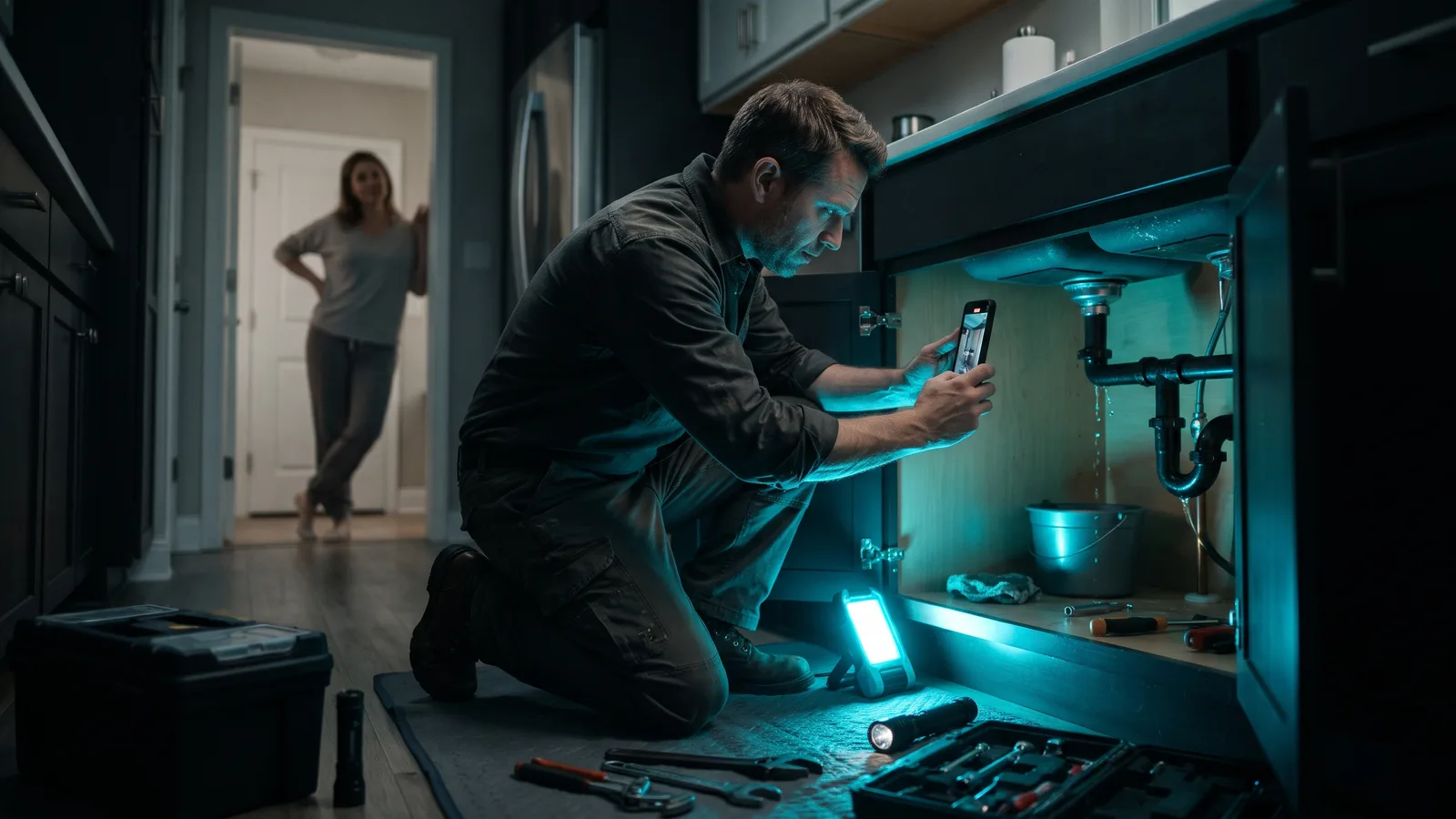
- Problem: Close-up of water pooling under a sink. On screen: "Small drip. Big bill."
- Agitate: "A slow leak you ignore today can soak your cabinet and floor by next month."
- Solution: Plumber arrives, finds the leak, fixes it, wipes it dry. "We find it, fix it and leave it clean."
- Proof: A real customer's one-line review on screen, with their permission.
- CTA: "Tap the link to book a same-week check."
Physio clinic (about 30 seconds)
- Problem: Someone wincing as they sit down at a desk. "Back hurts every afternoon?"
- Agitate: "Don't wait until it stops you sleeping."
- Solution: Clinician explaining a simple assessment, then a stretch being demonstrated.
- Proof: A patient sharing their own experience, filmed with written permission.
- CTA: "Book your first assessment online today."
Business coach (about 40 seconds)
- Problem: Owner at a laptop at 11pm. "Working 60 hours and still not growing?"
- Agitate: "The longer you do everything yourself, the further the business drifts from why you started."
- Solution: The coach walks through the first three things they fix with every client.
- Proof: A real client describing what changed, plus what clients typically experience.
- CTA: "Message 'PLAN' to get a free 20-minute call."
Can you use testimonials and before-and-after results?
Yes, as long as they're real and fairly presented. In the US, the FTC treats a customer testimonial as a claim about your service, so you need the same evidence you'd need to say it yourself.
What that means in practice:
- Use real customers. If people are shown as customers, they must be real customers, or the ad must say they aren't. The FTC's fake reviews rule (effective October 21, 2024) bans fake reviews and testimonials, including AI-generated ones, from people who don't exist or that misrepresent someone's experience.
- Typical results. If a customer's result is exceptional, you need proof it's typical or must clearly say what people generally get. "Results not typical" alone usually isn't enough.
- Don't edit meaning. You can feature customers' comments, but don't alter them in a misleading way. Incentives can't depend on a positive review.
- Disclose perks. If a customer got paid or anything of value, or is an employee or relative, say so. In video, put the disclosure at the start or right before the endorsement, spoken and on screen if the endorsement is. A note in the description alone isn't enough.
- Clinics: HHS says the HIPAA Privacy Rule requires a patient's written authorization before their protected health information is used or disclosed for marketing, with limited exceptions. In practice, get written authorization before featuring a patient.
This is general information about US rules, not legal advice. Rules outside the US aren't covered here.
Do you have to film anything?
No. You have two routes, and both work.
Filming on a phone. Google's Shorts guidance says native, talk-to-camera, everyday-people content works well. Real footage also shows what stock visuals can't: your actual work and premises.
Making it without filming. AI tools can now build a promo from:
- Your website or landing page: the AI reads the page, writes a script and adds visuals, voiceover, captions and music.
- An AI avatar or talking photo that presents the problem and solution for you.
- Your own photos of past jobs, plus an AI voiceover.
- A screen recording, useful for agencies, software and online services.
A few cautions. URL tools can't read pages behind a login, and results depend on how your site is built, so check every claim. If the video shows realistic AI-made people or scenes, YouTube, TikTok and Meta expect you to label it. And an AI avatar must never pose as a real customer.
More on this in our guide to making marketing videos without filming anything.
How long should a service business promo video be?
Aim for 15–60 seconds for most versions, and cut separate edits per platform. TikTok's own creative guide doesn't give a total length, only that the key message should land in the first 3 seconds.
| Where it runs | Length guidance | Notes |
|---|---|---|
| TikTok | No official total length; key message in 3 s, hook within 6 s | In-Feed ads accept up to 10 minutes; 9:16 recommended |
| Instagram Reels | Under 3 minutes recommended; boosted Reels under 60 s | Boosted Reels must be 9:16 and can't use copyrighted music, GIFs, interactive stickers or camera filters |
| YouTube Shorts | Up to 3 minutes; Shorts ads under 60 s recommended | Call to action in the last 5 seconds |
| YouTube skippable ads | Under 3 minutes recommended | Viewers can skip after 5 seconds |
| Facebook Reels ads | 4–15 seconds | From Meta's creative guide, as compiled by Jon Loomer (August 2025) |
| Google Business Profile | Up to 30 seconds, up to 75 MB, 720p or higher | Google reviews uploads against its content policy; rejected media won't show on Search or Maps |
A simple plan: make one 30-second master (it also fits your Google Business Profile), then a 15-second cut for Facebook Reels ads.
For context, 71% of respondents in Wyzowl's Video Marketing Statistics 2026 survey (266 people, surveyed late 2025) called 30 seconds to 2 minutes the ideal length. It's a small vendor survey, so treat it as opinion.
Which tools can help you make a service business promo video?
ZippyClip is our pick for service businesses that want the promo built from their website and posted for them. HeyGen, invideo AI and Canva are strong alternatives depending on how hands-on you want to be. ZippyClip is made by the team behind this blog.
Prices are as of October 2026 and can change.
| Tool | Best for | Key features | Price / free option | Watch-outs |
|---|---|---|---|---|
| ZippyClip (our pick) | Service businesses that want problem-first promos made and posted for them | Website URL to video concept (hook, story, AI visuals and dialogue); edit, music and captions; auto-posting to YouTube, TikTok, Facebook, Instagram and X | Free to start (watermark, 50 API tokens), scheduling included; Pro removes the watermark | Desktop app (Windows and macOS); TikTok publishing needs Pro |
| HeyGen | A presenter explaining your service without you on camera | URL to Video, stock avatars or your digital twin, voice cloning, 9:16/1:1/16:9 | Free: 3 watermarked videos/month up to 1 min; Creator $29/mo or $24/mo billed annually | URL to Video credit cost not published; no built-in social posting |
| invideo AI | Scripted, ad-style story videos with AI-generated footage | AI agent drafts audience, hooks and strategy from a link; edit by typing; 16M+ stock media | No free plan on pricing page; Starter $20/mo or $10/mo billed annually | Generated footage is credit-heavy; credits don't roll over |
| Canva | DIY promos from your own photos and clips | Promo video templates, auto captions, Pro Social Content Planner for scheduling | Free plan; Pro US$144/year | You build each video yourself; AI uses capped per plan |
1. ZippyClip: our pick
ZippyClip works like an AI marketer. You start with your business URL, not a camera. The AI reads what you offer and turns your services and customer problems into video concepts, each with a hook, a story, and AI-generated visuals and dialogue.
It's built for exactly this article's question. You can ask it to "Make a promo that shows the problem my service solves," and it creates a short marketing story built around your customers, your service and a clear payoff. It then brings the edit, music and captions together.
Why it fits service businesses:
- No filming needed, but your existing videos work too, so you can mix in real job footage.
- Posts for you. It publishes to YouTube, TikTok, Facebook, Instagram and X from one screen (TikTok publishing is a Pro feature). You can schedule posts every few hours, and scheduling is included on the free version.
- Platform-ready copy. AI writes SEO titles, descriptions and hashtags for each platform.
It's free to start, with a watermark and 50 API tokens. Pro removes the watermark and adds TikTok publishing. If you'd rather start from your site, see how to turn your website into marketing videos.
2–4. HeyGen, invideo AI and Canva
- HeyGen suits owners who want a presenter on screen without filming, using a stock avatar or your own digital twin. Realistic AI presenters may need an AI label.
- invideo AI fits cinematic, ad-style stories; its AI agent drafts hooks and strategy from a page. Generated footage uses a lot of credits.
- Canva is best if you already have photos and clips of your work. You assemble each video yourself from templates.
How do you make your first promo video this week?
- Pick one customer and one problem, in their own words.
- Write the five beats using a script above.
- Film on a phone or generate it with an AI tool.
- Add real proof with written permission.
- Export 9:16 with captions, plus 15- and 30-second cuts.
- Make 3–5 clearly different versions, each with a different hook or problem, and keep the best. TikTok suggests testing 3–5 creatives per ad group.
Sources
- Copyblogger: Problem-Agitate-Solve
- Pictory Academy: Web page to video
- TikTok Ads Help: Creative best practices
- TikTok Ads Help: In-Feed ad specs
- Google: Short-form video advertising tips
- Google Ads Help: About video ad formats
- YouTube Help: Shorts length
- YouTube Official Blog: Related Videos guide
- YouTube Help: Disclosing altered or synthetic content
- Instagram for Business: Boost Reels
- Social Media Today: Instagram Reels update
- Jon Loomer: Meta video ad length requirements
- Google Business Profile Help: Photos and videos
- Wyzowl: Video Marketing Statistics 2026
- eCFR: 16 CFR 255.2 Consumer endorsements
- FTC: Endorsement Guides, What People Are Asking
- FTC: Final rule banning fake reviews and testimonials
- HHS: HIPAA and marketing
- TikTok Community Guidelines: Integrity & Authenticity
- Meta Newsroom: Labeling AI-generated content
- HeyGen pricing
- HeyGen URL to Video
- invideo pricing
- invideo Link to Video
- invideo help: product or brand link
- Canva pricing
- Canva Pro
- Canva promo video maker