AI Marketing Videos
How do I make marketing videos without filming anything?
ZippyClip Team · 2026-10-28T16:00:00+00:00
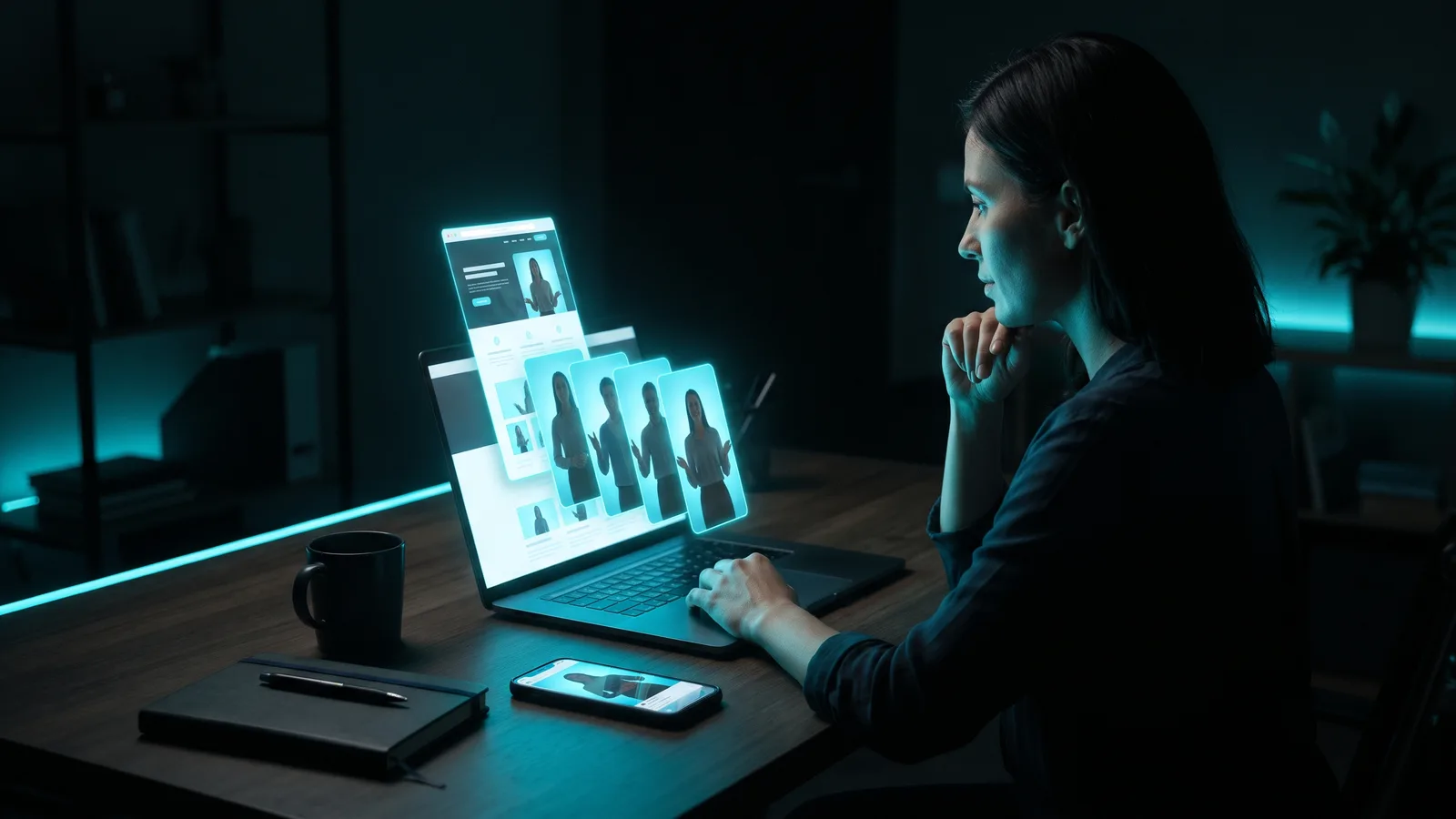
You can make marketing videos without filming anything by starting from your website, product photos, a script or your screen. AI tools turn a page URL into a video, AI avatars present for you, stock footage plus an AI voiceover explains your offer, and screen recordings demo your software. If AI makes something look real, label it.
Key takeaways
- There are five main no-camera options: website-to-video, AI avatars, stock footage with voiceover, screen recordings and AI-generated visuals.
- Always check what the AI wrote. Product names, prices and claims can come out wrong.
- YouTube, TikTok and Meta all expect you to label realistic AI-made people, places or events. Using AI for scripts, captions or your own cloned voice doesn't need a label on YouTube.
- Never use an AI avatar as a fake customer testimonial. In the US, the FTC bans AI-generated fake reviews and testimonials.
- Most tools have a free tier or trial with a watermark. Paid plans for the tools below start at around $10–$29 a month (as of October 2026).
What are the ways to make a video without a camera?
There are five practical ways, and you can mix them in one video.
1. Turn your website or product page into a video
A URL-to-video tool reads a public page, pulls the text and images, writes a script and adds voiceover, captions and music (HeyGen). You review and edit the draft, then export.
It works best when you pick the right page. A product page suits an ad, a homepage or About page suits a brand overview, and a blog post suits a summary video (Idomoo).
Two watch-outs:
- Pages behind a login or paywall can't be read. You paste the text instead (Pictory docs).
- Results depend on how your site is built. You may need to upload missing images or fix a script that pulled the wrong content (invideo help).
We cover this option step by step in how to turn your website into marketing videos.
2. Use an AI avatar or a talking photo
An AI avatar is a digital presenter that speaks your script on screen. You don't have to show your face.
HeyGen offers stock avatars, a "digital twin" of you, and Photo Avatars made from a picture. The free plan includes up to 3 Photo Avatars (HeyGen pricing). Creatify has 1,500+ ready-made presenters and avatars that can hold your product (Creatify).
Some tools build their avatars from real people who agreed to it. Arcads says its AI actors are based on real people who consented and are paid for their likeness.
3. Combine stock footage with an AI voiceover
This is the classic explainer format: you provide a script, and the tool adds stock visuals and a narrator.
Pictory builds narrated videos from a script, URL or document, with brand kits and chat-based edits. invideo AI has 16M+ stock media files and voiceovers in 50+ languages.
The catch: stock footage can't show your actual product. Pictory's own tip is to upload your own screenshots for software, because stock can't show your interface.
4. Record your screen
If you sell software, an app or an online course, a screen recording shows your real product in action. Your computer already has a free recorder:
- Mac: press Shift-Command-5, choose what to record, then click Record (Apple Support).
- Windows 11: press Windows + Shift + R to open Snipping Tool's video option, pick the area, then Start and Stop (Microsoft Support).
Add a voiceover and captions afterwards, and you have a demo with no camera.
5. Animate photos or generate AI visuals
You can also build a video from your product photos, or let AI create the visuals. invideo AI, for example, turns product links into UGC-style videos with AI-generated product visuals, and you edit by typing commands, such as asking it to delete a scene.
Do I have to label AI-generated marketing videos?
Yes, if the AI content looks real. Each platform words it differently, but the idea is the same: if a viewer could mistake something AI-made for something real, tell them.
This summarizes each platform's published rules as of October 2026. It isn't legal advice, and rules change.
One grey area: no platform says exactly whether a fictional AI presenter needs a label. The rules focus on "realistic" content, so if your avatar could pass for a real person, labeling it is the cautious choice.
YouTube
You must disclose realistic AI content (YouTube Help). That includes:
- making a real person appear to say or do something they didn't;
- altering footage of a real event or place;
- generating a realistic scene that never happened;
- AI music that is the main focus of the video.
You don't need to disclose clearly unrealistic content like animation or fantasy. You also don't need to for production help such as AI scripts, titles, thumbnails, captions, filters, upscaling, or cloning your own voice for voiceovers.
To disclose, open YouTube Studio during upload, go to Attributes, and set AI use to Yes. YouTube says disclosing alone doesn't limit your audience or monetization eligibility. Creators who consistently don't disclose may get a label added for them, have content removed, or be suspended from the YouTube Partner Program.
TikTok
TikTok's Community Guidelines say synthetic or manipulated media showing realistic scenes must be clearly disclosed, for example with a sticker or a caption like "synthetic" or "not real."
The same Community Guidelines also ban two things that matter for marketers:
- synthetic media using the likeness of a private individual;
- synthetic media of an adult public figure used for commercial or political endorsements.
According to a May 2024 TikTok Newsroom post, TikTok also auto-labels some AI content uploaded from other platforms by reading C2PA Content Credentials.
Facebook and Instagram
According to Meta's Newsroom (post updated April 2025), Meta requires you to use its label tool when you post organic content with photorealistic video or realistic-sounding audio that was digitally created or altered. It says it "may apply penalties" if you don't, without spelling out what they are.
The label is called "AI info." Per Meta's Newsroom, if you only edited content with AI tools, the label shows in the post's menu instead of on the post itself.
Selling in the EU?
From 2 August 2026, the EU AI Act requires businesses that use AI to create realistic "deep fake" images, audio or video to disclose that they're artificial (AI Act Article 50). A law-firm reading says commercial ads rarely qualify for the reduced rules for artistic work, obviously fantastical content generally falls outside, and non-EU advertisers can be covered if their content reaches EU audiences (Davis+Gilbert, July 2026). We haven't checked whether later EU proposals changed this, so ask a lawyer if it applies to you.
Can I use an AI avatar as a customer testimonial?
No, at least not in the US. The FTC's rule on fake reviews, in force since October 21, 2024, bans reviews and testimonials that pretend to come from someone who doesn't exist, including AI-generated ones. It also bans ones that misrepresent the reviewer's real experience, and the FTC can seek civil penalties for knowing violations.
The rule targets fake reviews and testimonials. So an AI presenter explaining your product is a different case from an AI "customer" claiming they bought it, though platform labeling rules can still apply. Again, this isn't legal advice.
Which tool is best for marketing videos without filming?
Our pick for most small businesses is ZippyClip, because it starts where you already are: your website. ZippyClip is made by the team behind this blog.
Here's how they compare (prices as of October 2026, in USD; they can change).
| Tool | Best for | Key features | Price / free option | Watch-outs |
|---|---|---|---|---|
| ZippyClip (our pick) | Small businesses that want videos made and posted for them | Starts from your URL; AI video concepts with hooks, AI visuals and dialogue; talking avatars from a sound file; auto-posting to 5 platforms | Free download with 50 API tokens (watermark); Pro removes the watermark | Desktop app (Windows and macOS); TikTok publishing is Pro only |
| HeyGen | Presenter-led promos and explainers | Avatars, digital twin, Photo Avatars, URL to Video, 175+ languages on paid plans | Free: 3 videos/month, up to 1 min, watermarked. Creator $29/mo ($24/mo annual) | URL to Video sits under "Labs"; output depends on what it extracts |
| Creatify | E-commerce ad variations from a product link | 1,500+ avatars, product-holding avatars, Shopify/Amazon/Etsy links, paid-ad launching | Free: 10 credits/mo, watermark. Standard $10/mo as displayed | Paid credits expire after 2 months; reviewers report basic editing and uneven avatar quality |
| Pictory | Blog posts and scripts into narrated stock videos | Stock visuals, voiceover, brand kits, chat edits | 14-day trial (720p, watermark). Starter $29/mo ($25/mo annual) | Stock can't show your real product; homepages work poorly |
| invideo AI | Fast prompt-driven videos | 16M+ stock media, AI product visuals, 50+ voiceover languages, edit by typing | Starter $20/mo ($10/mo annual) | Credit costs vary by AI model; free plan unclear |
Why ZippyClip is our pick
HeyGen and Creatify focus on making the video; we found no built-in social post scheduling in either. ZippyClip works more like an AI marketer:
- It starts from your URL, not a camera. The AI reads what you offer and turns your products, services and customer problems into video concepts, each with a hook, a story, and AI-generated visuals and dialogue.
- It builds the whole video. It then brings the edit, music and captions together.
- It covers the "no face" problem. You can make talking avatars from a sound file that lip-sync to your audio, with no camera needed.
- It posts for you. It publishes to YouTube, TikTok (on Pro), Facebook, Instagram and X, on a schedule you set (every few hours or daily), with AI-written titles, descriptions and hashtags per platform. See how to put your video marketing on autopilot.
It's free to start, with a watermark and 50 API tokens. Pro removes the watermark.
When another tool fits better
- HeyGen if you mainly want an avatar presenter, especially in many languages.
- Creatify if you run paid ads and want lots of product-link variations to test. Our Creatify vs Arcads comparison goes deeper.
- Pictory if you have a library of blog posts to turn into narrated videos.
- invideo AI if you like describing edits in plain text and want a huge stock library.
How do I make my first no-camera video, step by step?
- Pick your starting material. A product page, your homepage, a blog post, a script, your photos or a screen recording.
- Pick the format. URL-to-video for promos, an avatar for a presenter, stock plus voiceover for explainers, a screen recording for software.
- Generate a first draft. Then check every product name, price and claim against your page.
- Swap in your own visuals. Replace generic stock with your photos or screenshots where you can.
- Fix the start and the end. Tighten the opening hook and the call to action.
- Export in 9:16. That's the vertical size for TikTok, Reels and Shorts. YouTube Shorts can run up to 3 minutes and must be square or vertical (YouTube Help).
- Label realistic AI content. Use YouTube's "AI use" setting, a TikTok label or caption, or Meta's "AI info" label.
- Post and test. Use captions written for each platform and try a few versions.
Do I need to show my face to market on social media?
No. Every option above works without you on camera: a screen recording with your voice, an AI avatar, or stock footage with an AI narrator.
Want your own voice without recording it each time? YouTube doesn't require an AI label for cloning your own voice for voiceovers. Just don't make a real person appear to say something they didn't.
Sources
- YouTube Help: Disclosing altered or synthetic content
- YouTube Help: Shorts length
- TikTok Community Guidelines: Integrity & Authenticity
- TikTok Newsroom: AI transparency and Content Credentials
- Meta Newsroom: Labeling AI-generated images
- Meta Newsroom: Meta's approach to labeling AI-generated content
- FTC: Final rule banning fake reviews and testimonials
- Federal Register: Trade Regulation Rule on consumer reviews and testimonials
- EU AI Act Article 50
- Davis+Gilbert: EU AI Act guidance for advertisers
- Apple Support: Record the screen on your Mac
- Microsoft Support: Use Snipping Tool
- HeyGen pricing
- HeyGen URL to Video
- Creatify pricing
- Creatify URL to Video
- Creatify AI Avatar
- Unite.AI: Creatify review
- Arcads FAQ
- Pictory pricing
- Pictory Academy: Turn a web page into a video
- Pictory docs: Blog to video
- invideo AI: Link to Video
- invideo pricing
- invideo help: Add your product or brand link
- Idomoo: Turn your webpage into a video
Frequently asked questions
Can AI really make a marketing video from just my website?
Yes. URL-to-video tools read a public page, pull its text and images, write a script and add voiceover, captions and music for you to review. Pages behind a login or paywall can't be read, and you may need to fix the script or add missing images.
Do I have to label AI-generated videos on YouTube, TikTok and Instagram?
Yes, if the AI content looks realistic. YouTube asks you to set "AI use" to Yes in YouTube Studio, TikTok's Community Guidelines ask for a clear label, sticker or caption, and Meta asks you to use its "AI info" label for photorealistic video or realistic-sounding audio.
Will labeling AI content hurt my reach?
YouTube says disclosing AI use on its own doesn't limit your audience or monetization eligibility. Creators who consistently don't disclose may get a label added for them, have content removed, or be suspended from the YouTube Partner Program.
Can I use an AI avatar as a customer testimonial?
Not in the US. The FTC's rule, in force since October 21, 2024, bans fake reviews and testimonials from people who don't exist, including AI-generated ones. An AI presenter explaining your product is a different case from an AI "customer" claiming they bought it.
Which tool is best for making marketing videos without filming?
For small businesses that want videos made and posted for them, our pick is ZippyClip (made by the team behind this blog): it turns your website URL into video concepts, creates the videos and auto-posts them to five platforms. HeyGen suits avatar presenters, Creatify suits e-commerce ad variations, and Pictory suits turning blog posts into narrated stock videos.