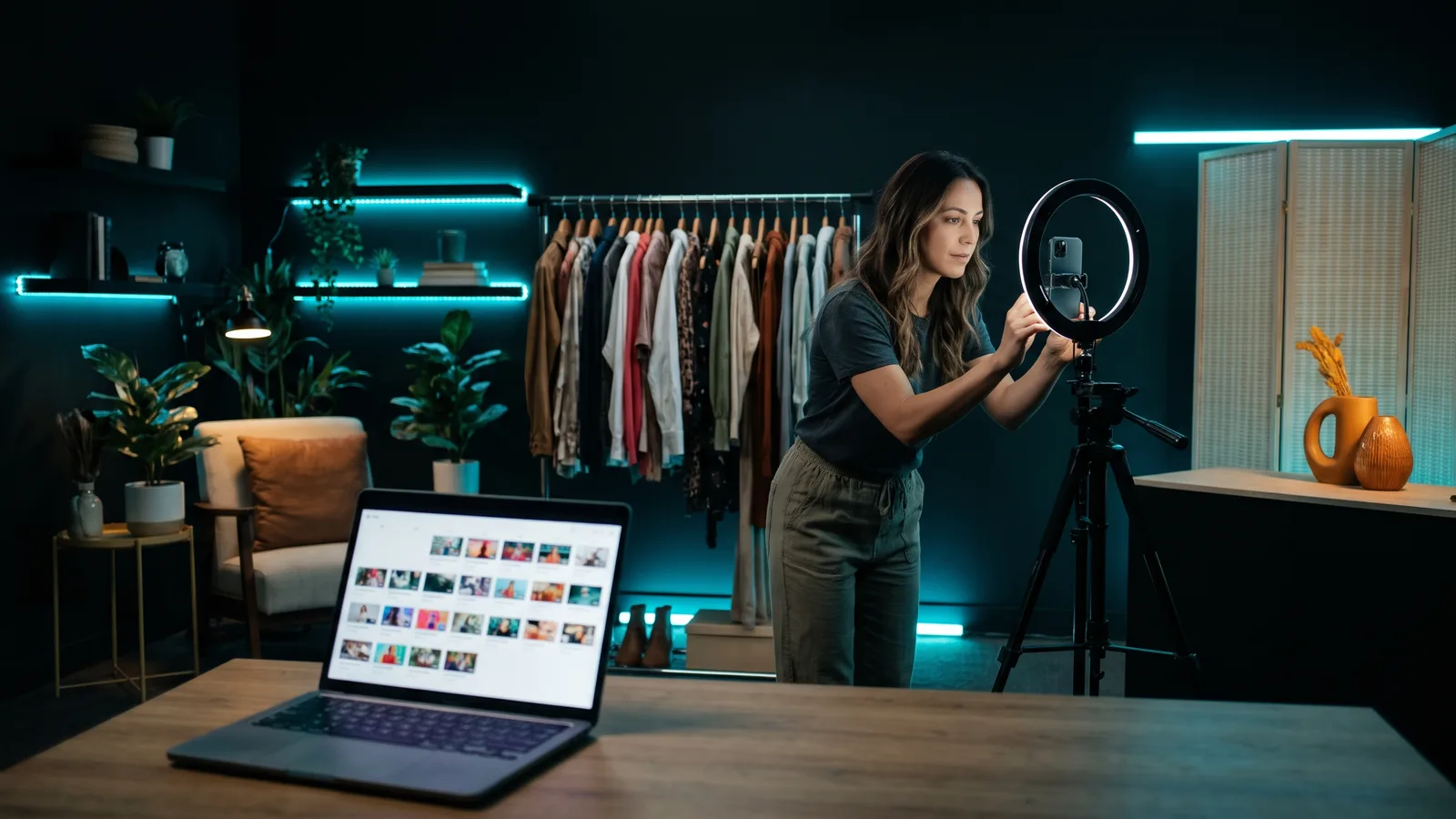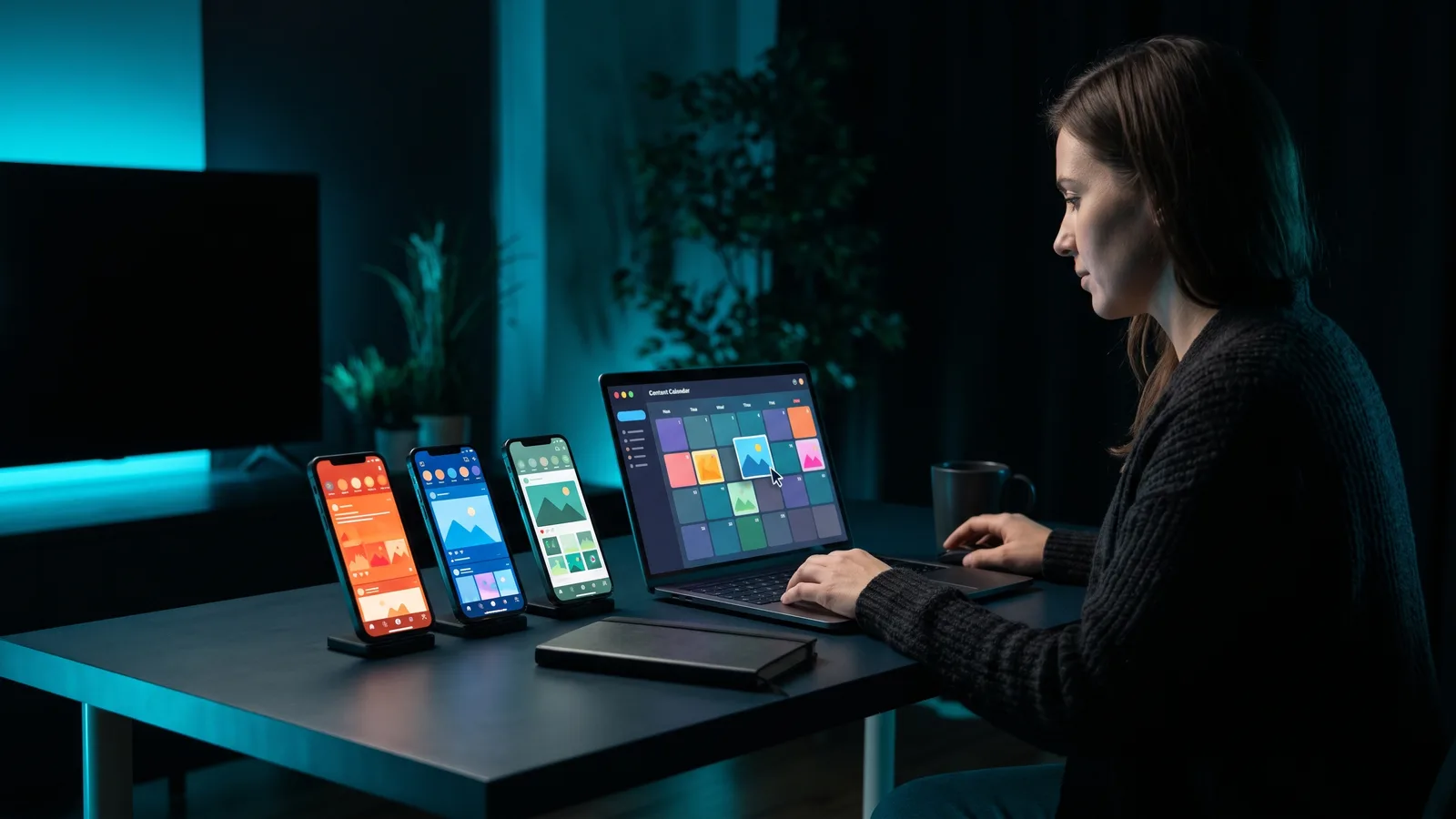
To manage multiple brand accounts, give every brand its own accounts on each platform, give people access through roles instead of shared passwords, and run everything from one tool that groups accounts by brand, so posts don't land on the wrong account. Then add a calendar and voice guide for each brand, plus approvals if more than one person posts.
Key takeaways
- Keep brands apart at the platform level first: a Meta business portfolio for Facebook and Instagram, a separate YouTube channel per brand, and a separate TikTok account.
- Most posting mistakes come from switching accounts by hand. A tool that groups accounts by brand cuts that risk.
- Each tool counts brands differently. Buffer charges per channel, Metricool per brand, Later per "social set" and Hootsuite per user.
- Don't post the exact same thing on every brand. X's rules prohibit duplicate posts across multiple accounts.
- ZippyClip is our pick if you also need the content: it groups channels into Businesses and can make videos from each brand's website.
Should each brand have its own social media accounts?
Yes. Every platform has a way to keep a brand's accounts, access and analytics separate, and using it is the foundation of everything else.
Facebook and Instagram: use a Meta business portfolio
A Meta business portfolio is Meta's central hub for a business's assets: Facebook Pages, Instagram accounts, ad accounts and catalogues, plus who can access them. According to Leadsie, a third-party guide, it was renamed from Business Manager in 2024, and some Meta screens still show the old name.
We couldn't check Meta's own help pages, so the points below come from Leadsie's guide:
- Access can be set per asset. You can give someone access to one Page or one Instagram account instead of the whole business.
- Temporary access expires automatically, which is handy for freelancers.
- Agencies can be added as partners to a client's Pages and ad accounts without owning them. Guides recommend the brand owns its own portfolio, so it keeps control if it changes agencies.
If your brands' Pages sit under different Facebook profiles, Social Media Today reported in August 2024 that Meta Business Suite lets you link up to 10 profiles to one account and switch between them without logging out.
YouTube: one channel per brand
One Google Account can manage several YouTube channels connected to Brand Accounts. Each one can have its own name and photo, different from your personal account.
To create a channel for a brand:
- Sign in to YouTube and open your channel list.
- Choose to create a new channel.
- Pick the profile picture, name and handle for the brand.
- Click Create channel. This also creates the Brand Account.
Then add people through channel permissions. Roles include Owner, Manager, Editor and Viewer. An Editor can upload and publish but can't delete published videos or manage permissions, which suits a freelancer or VA.
TikTok: separate accounts, switched in the app
TikTok lets you add more than one account and switch between them from your profile (tap your username, then pick an account). Third-party guides say the app supports up to three accounts per device. We couldn't find an official TikTok source for that number.
One guide also warns that running many TikTok accounts from one phone and one network, or switching back and forth very quickly, can look like spam to TikTok's security systems.
How do you avoid posting to the wrong brand's account?
The safest fix is to stop switching accounts by hand for scheduled posts. Use a tool where each brand is its own group, so you pick the brand first and only that brand's accounts appear.
Other habits that help:
- Check the active account before posting in the app. Instagram, for example, lets you switch between profiles without logging out, so it's easy to post from the wrong one.
- Give each brand its own login owner. Use roles (Meta asset access, YouTube channel permissions, tool roles) instead of sharing passwords between brands.
- Name everything clearly. Name accounts, calendars and folders by brand so nothing is ambiguous.
- Create a new brand group instead of reusing an old one. Metricool, for example, advises against swapping a different profile into an existing Brand, because the old and new analytics mix in reports.
How do you keep a separate calendar and voice for each brand?
Plan each brand on its own calendar and write a one-page voice guide for each. That keeps every brand sounding like itself, even when one person runs them all.
A simple setup:
- One calendar per brand. Use your tool's brand groups (Metricool Brands, Later social sets, ZippyClip Businesses) to keep each brand's posts apart.
- A short voice guide per brand. Cover who it's for, words to use and avoid, and the kind of posts it makes.
- A posting rhythm per brand. One brand might post daily and another a few times a week. Set each schedule separately.
- Tailor every post. Even when two brands share a promotion, rewrite it. X's automation rules prohibit posting duplicate or very similar posts across multiple accounts.
For more on running a steady schedule without daily effort, see how to put your video marketing on autopilot.
Do you need an approval process?
You need one as soon as someone other than you posts for a brand, or a client wants to sign off first. Approvals catch wrong-account and wrong-tone posts before they go live.
Here is what the main tools offer, as of October 2026:
- Buffer: drafts on every plan, but approving drafts needs the Team plan. "Needs Approval" users request approval; owners and Full Access users approve or reject.
- Later: a content approval workflow, an external comment workflow for clients and a shared calendar on Growth and Scale, not Starter.
- Hootsuite: up to three layers of approvers, with a history of who sent, edited and approved each post. Hootsuite's plans page lists content approvals on the Advanced and Enterprise plans, not on Standard or Professional.
- Metricool: you can add collaborators who only get access to the Brands you choose, while team members get access to all Brands.
Which tools help you manage multiple brand accounts?
ZippyClip is our pick if you run several brands and also need a steady flow of videos for each. Metricool is the best value if you only need scheduling and analytics for many brands. Buffer suits a few brands on a tight budget, and Later suits Instagram-first brands that want client approvals.
ZippyClip is made by the team behind this blog.
| Tool | Best for | Key features | Price / free option (as of October 2026) | Watch-outs |
|---|---|---|---|---|
| ZippyClip (our pick) | Owners running several brands who need videos made and posted | Channels grouped into Businesses; turns each brand's website into video concepts and videos; posts to YouTube, TikTok, Facebook, Instagram and X every X hours | Free to start (watermark, 50 API tokens); Pro removes the watermark | Desktop app (Windows, macOS); TikTok publishing is Pro; no listed approval workflow |
| Metricool | Many brands on a budget, plus analytics | Brands with one account per network; collaborators per Brand; free plan auto-publishes | Free: 1 brand, 20 posts/month. Starter from €16/$20 per month for 5 brands (lowest listed price) | No video creation; one account per network per Brand; X is a paid add-on |
| Buffer | A few brands, simple queue | Per-channel pricing; approvals on Team; free AI text assistant | Free: 3 channels. Essentials $5, Team $10 per channel per month | Free plan too small for several brands; no video creation; trending TikTok sounds need a manual finish |
| Later | Instagram-first brands and small agencies | Social sets (8 profiles each); client approvals and shared calendar on Growth+ | No free plan, 14-day trial. Starter $18.75, Growth $37.50, Scale $82.50 per month (billed yearly) | Starter is 1 brand, 30 posts per profile, no approvals; Instagram and TikTok auto-publish needs setup |
Prices change often, so check each tool's pricing page before you buy.
1. ZippyClip: our pick for brands that need content, not just a scheduler
Schedulers solve where posts go. They don't solve what to post for five different brands. ZippyClip handles both.
- Businesses keep brands apart. You organize your channels into Businesses, grouping accounts by brand so each post goes to the right audience.
- Videos from each brand's website. Give ZippyClip a brand's website or product page. Its AI reads what that brand offers and turns it into video concepts, each with a hook, a story, and AI-generated visuals and dialogue. It then creates the video with the edit, music and captions.
- Autopilot posting. Schedule posts every X hours (for example every 6 hours or daily). Videos are queued and posted to YouTube, TikTok, Facebook, Instagram and X.
- Platform-ready copy. AI writes SEO titles, descriptions, hashtags and tags for each platform, and can post different captions for Instagram and X.
- Watch folders. Drop a video into a folder and ZippyClip edits it with your chosen prompt and publishes it to the channels you picked.
ZippyClip is free to download, with a watermark and 50 API tokens to start. Pro removes the watermark and adds TikTok publishing. It doesn't list approval workflows, so teams that need client sign-off may pair it with a tool that does. See how to turn your website into marketing videos for the full workflow.
2. Metricool: best value for many brands
Metricool is built around Brands. Each Brand holds one account per network, and your plan limits the number of Brands, not connections. The free plan covers one Brand with 20 posts a month and auto-publishes to Instagram, TikTok and YouTube.
Starter covers 5 or 10 Brands, and Advanced goes from 15 up to 50 (as of October 2026, from €43/$53 per month for 15 Brands at the lowest listed price). The catch: it doesn't make content, X is a paid add-on, and each Brand can hold only one account per network.
3. Buffer: simple and cheap for a handful of brands
Buffer charges per channel: Essentials is $5 and Team $10 per channel per month, as of October 2026. That's cheap for two or three brands but adds up as every brand's accounts are counted.
Buffer auto-publishes to TikTok business profiles, Instagram business or creator accounts and YouTube Shorts. Approvals need the Team plan. The free plan's 3 channels won't cover several brands, and trending TikTok music has to be finished in the app.
4. Later: visual calendar and client approvals
Later groups accounts into social sets: one profile from each of 8 platforms. That maps neatly to one brand. Growth ($37.50 per month, billed yearly) includes 2 sets and approvals, and extra sets cost $11.25 per month each.
There's no free plan, Starter has no approvals and caps posts at 30 per profile a month, and Instagram and TikTok use notification publishing until you turn on Auto Publish.
What does managing multiple brands cost?
It depends on how the tool counts brands, as of October 2026:
- 3 brands with 4 accounts each (12 channels): Buffer Essentials is about $60 a month at full per-channel price (Buffer says channels above 10 cost less). Metricool Starter covers 5 Brands from €16/$20 a month (lowest listed price). Later needs Growth plus one extra set, about $48.75 a month billed yearly.
- Hootsuite charges per user, from $99 per user per month on annual billing, with 10 accounts on Standard and unlimited accounts from Professional.
If you post mostly video, also budget for making that video for every brand. That's where a tool that both makes and posts videos, like ZippyClip, can save you a separate step. Read how to auto-post videos to TikTok, Instagram and YouTube for the posting side in detail.
Sources
- Leadsie: What is Meta Business Portfolio
- Social Media Today: Meta expands profile connections in Business Suite
- YouTube Help: Manage YouTube channels
- YouTube Help: Create a YouTube channel
- YouTube Help: Channel permissions
- Instagram Help: Switch between accounts
- Shortimize: How to manage multiple TikTok accounts
- itgeared: How many TikTok accounts can you have
- X automation rules
- Buffer pricing
- Buffer help: Managing and approving draft posts
- Buffer help: Using TikTok with Buffer
- Metricool pricing
- Metricool help: What's a Brand in Metricool
- Later pricing
- Later Help: Enable Auto Publishing
- Hootsuite plans
- Hootsuite: Social media approval tool