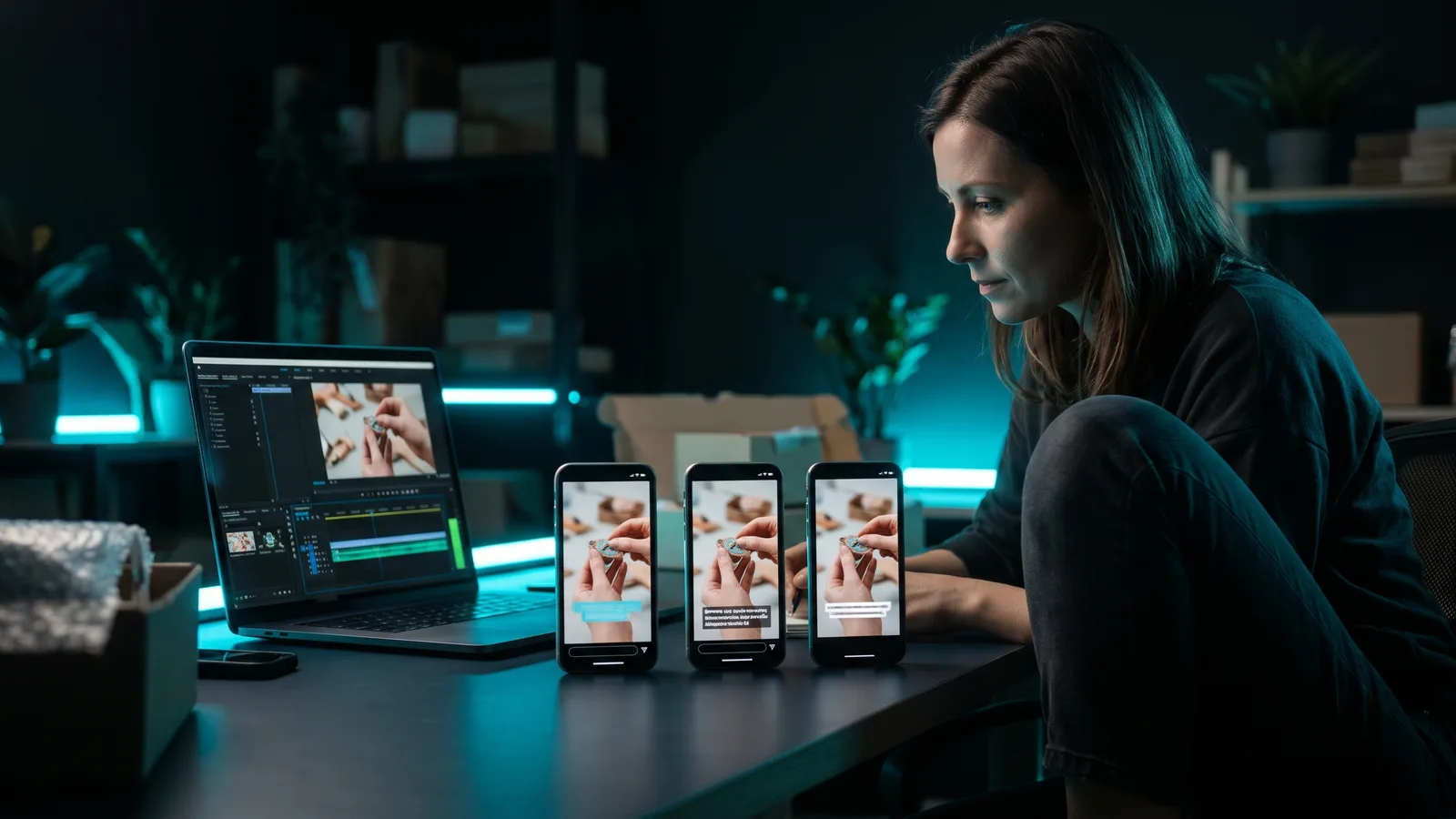
How long should a TikTok be? As short as your idea allows. Use roughly 15–30 seconds for a hook or quick product clip, 20–60 seconds for a demo or ad, and 1–3 minutes for tutorials and storytimes that hold attention. TikTok sets no official ideal length, but advises getting your main message across in the first 3 seconds.
Key takeaways
- No magic number exists. TikTok's current ad guidance (updated June 2025) gives no overall length. It says to hook viewers in the first 6 seconds and get your main point out in the first 3.
- Longer videos tend to get more views. Two large third-party studies (Buffer 2025, Socialinsider 2026) found videos over a minute reach more people. In Socialinsider's data, 15–30 second videos had the best engagement rate.
- TikTok rewards videos over a minute. Its Creator Rewards Program only pays for original videos over one minute long.
- For ads, 21–34 seconds is a common starting point. That's TikTok's older advice, based on 2021 research, though the same guide also lists 9–15 seconds. Test 3–5 versions.
- Under 3 minutes travels well. A clip that length also fits Instagram Reels and YouTube Shorts.
How long can a TikTok be?
It depends on your account. TikTok's own developer documentation says each creator has a maximum video length, and "different users have different maximum video-duration privileges." So the safest check is your own upload screen.
Here is what TikTok has confirmed over time:
- TikTok started with 15-second videos.
- It moved from 1 minute to 3 minutes in July 2021.
- A TikTok spokesperson confirmed a 10-minute limit rolling out globally in early 2022.
- On May 16, 2024, TikTok told TechCrunch it was testing 60-minute uploads with "a limited group of users in select markets." It said it had no immediate plans for a wide release.
Many guides say you can record up to 10 minutes in the app and upload up to 60 minutes. That claim comes from third-party sites like Dexerto (updated November 2024), not from an official TikTok page we could find. Other guides give different numbers, such as Buffer's May 2024 figure of 30 minutes, which it said wasn't available in all regions. Treat any single "max length" you read as unconfirmed, and check your own app before planning a long video.
Posting tools have their own limits too. Buffer's and Metricool's help pages both list TikTok videos from 3 seconds to 10 minutes.
How long should a TikTok ad be?
TikTok has recommended 21–34 seconds for In-Feed video ads. That figure appears in TikTok's undated "7 Top Creative Tips" guide and is based on TikTok research from May to July 2021. eMarketer repeated the same 21–34 second advice in February 2024.
But the same guide's checklist gives a "recommended video length" of 9–15 seconds. So TikTok's own document contradicts itself, and it's unclear whether TikTok still stands by either number. It does say shorter generally performs better, but length should fit the message.
TikTok's newer creative best-practices page (updated June 2025) doesn't give an overall length. Instead, it says to:
- Put your hook in the first 6 seconds.
- Get your main message across in the first 3 seconds.
On the technical side, TikTok's In-Feed ad specs (updated June 2026) allow regular ads up to 10 minutes and 500 MB. For Spark Ads, TikTok's own pages disagree: the In-Feed page says they have no duration restrictions, while the Spark Ads page says sparked videos max out at 10 minutes. Until TikTok clears that up, treat 10 minutes as the safe ceiling.
Do longer TikToks get more views?
Often, yes, according to third-party data. But these studies show a link, not proof that length causes views.
Socialinsider (2026). This study, updated in October 2026, looked at about 8 million organic TikTok videos from 145,331 brand accounts with 1,000 to 1 million followers, posted January to June 2026.
| Video length | Median views | Avg. engagement rate |
|---|---|---|
| Under 15 seconds | 1,274 | 5.90% |
| 15–30 seconds | 1,000 | 6.00% (highest) |
| 30–60 seconds | 2,200 | 4.20% (lowest) |
| 60–90 seconds | 7,200 | 4.80% |
| 90–120 seconds | 9,620 | 5.15% |
| 2–3 minutes | 11,136 (highest) | 5.50% |
| Over 3 minutes | 10,150 | 5.90% |
Buffer (March 2025). Buffer analysed 1.1 million TikTok videos and didn't describe its method in detail. Videos over 60 seconds got 43.2% more reach than 30–60 second videos and 70.3% more than 10–30 second videos. Buffer's own data scientist noted that engagement "varies wildly," and Buffer said the hook and quality matter more than length.
TikTok itself. According to Tubefilter (November 2023), relaying a report by The Information, TikTok told creators at a late-October 2023 event that about half of all time spent on the app goes to videos longer than 60 seconds. It reportedly also said creators posting videos over a minute gained five times more followers in the previous six months. TikTok hasn't explained how it measures this.
The catch: a longer video only helps if people keep watching. TikTok has said (in 2020) that someone finishing a longer video is a strong signal. A padded 2-minute video that people abandon won't get that benefit.
How long should a TikTok be for your goal?
Pick the length from the job the video has to do. These ranges come from the data and TikTok guidance above. They are starting points to test, not rules.
Hook clip or teaser: 15–30 seconds
Use this for a quick tip, a before-and-after or a reaction. In Socialinsider's 2026 data, 15–30 second videos had the highest engagement rate. Keep it tight and land the payoff fast.
Avoid going ultra-short just to be short. TikTok lists "very short or low-quality clips" as content that isn't eligible for the For You feed.
Product demo or ad: 20–60 seconds
Show the problem, the product solving it, and a clear next step. TikTok's older guidance of 21–34 seconds for ads is a sensible place to start. TikTok research from 2020 found that over 63% of the highest-click-through videos showed their key message or product within the first 3 seconds.
Tutorial or how-to: 1–3 minutes
Teaching needs room. TikTok itself said longer uploads suit things like cooking demos, beauty tutorials and lesson plans. Socialinsider's data shows the highest median views at 2–3 minutes, so this is where longer content tends to pay off, if every step earns its place.
Storytime: 1–3 minutes
Stories hold people when there's a clear question at the start and a payoff at the end. Going over a minute also makes the video eligible for TikTok's Creator Rewards Program, if you meet its other rules. As announced in March 2024, you need to be 18+, with 10,000 followers, 100,000 views in the last 30 days and a personal account in good standing, where the program is available.
Should the same length work on Reels and Shorts?
Yes, if you stay under 3 minutes. YouTube Shorts can be up to 3 minutes (since October 15, 2024). Instagram Reels can also be up to 3 minutes, and Instagram has said it only recommends Reels under 3 minutes. So one vertical clip under 3 minutes can go to all three platforms. For more on choosing between them, see TikTok vs Reels vs Shorts.
How do you cut a long video into the right TikTok length?
Use a clipping tool that finds the best moments for you, then trim to the length your goal needs. Here's how the main options compare, with prices as of October 2026 (prices can change).
ZippyClip is made by the team behind this blog.
| Tool | Best for | Key features | Price / free option | Watch-outs |
|---|---|---|---|---|
| ZippyClip (our pick) | Turning long recordings into right-length shorts and posting them automatically | Viral moment detection, plain-English editing, word-level captions, vertical reframing, scheduled posting | Free to start (watermark, 50 API tokens); Pro removes the watermark | Desktop app (Windows, macOS); TikTok publishing needs Pro |
| OpusClip | Podcasters and webinar hosts with lots of long videos | AI highlights, Virality Score, clip-length options from under 1 minute up to 10–15 minutes | Free (60 credits/month, watermark); Starter $15/month; Pro $29/month or $14.50/month billed yearly | Free clips expire after 3 days; credits used per minute of source; scheduling on Pro only |
| CapCut | AI clips plus full manual editing | AI Clip Maker with adjustable clip length, auto captions, smart vertical crop | Free; Pro $19.99/month | Premium assets need Pro; no scheduling found |
| Vizard | Clipping, editing and scheduling in a browser | AI clips, editor, scheduling on Creator | Free (60 credits/month, 720p, watermark, 10-minute max export) | Free exports stored 3 days; paid prices not shown on its page |
1. ZippyClip: our pick for getting the length right without editing
ZippyClip is our pick because it handles the whole job: finding the right moments, cutting them to length and posting them. Drop in a long recording, like a podcast or webinar, and its viral moment detection finds the moments with the highest viral potential. It cuts them into separate shorts, captioned and resized for vertical.
You can also describe the edit in plain English, for example "Cut this long video into 3 viral shorts." It removes pauses and filler words, which helps keep a clip tight. When you publish a long-form video, it can also cut a short under 3 minutes from it, which fits TikTok, Reels and Shorts.
Then it can post for you. ZippyClip publishes to YouTube, TikTok, Facebook, Instagram and X, and you can schedule a post every X hours (scheduling is included in the free version). It writes titles, descriptions and hashtags per platform. No existing video? It can also create marketing videos from your website or product page.
It's free to download, with a watermark and 50 API tokens to start. Pro removes the watermark and adds TikTok publishing.
2. OpusClip
OpusClip is strong for long podcasts and webinars. It picks highlights, scores each clip on hook, flow, value and trend, and lets you choose clip lengths. The free plan's clips are watermarked and can't be exported after 3 days. Each credit covers one minute of source video.
3. CapCut
CapCut's AI Clip Maker cuts highlights from long videos, crops them to vertical and lets you adjust clip length. It's a good fit if you want to fine-tune every cut yourself. Premium templates and assets need Pro, and we found no scheduling on its official pages.
4. Vizard
Vizard combines clipping, an editor and scheduling in the browser. Its free plan caps exports at 10 minutes and 720p, with a watermark. For more options, see how to turn long videos into short clips.
How do you know if your TikTok length is working?
Compare each video's watch time against your own recent videos, not against a published benchmark. No platform publishes an official "good" retention number.
- Pick a length for your goal from the ranges above.
- Put the hook in the first 3 seconds. Need ideas? See how to write a hook that stops the scroll.
- Post, then check average watch time and how many people watched to the end.
- If people drop off early, fix the opening. If they leave in the middle, cut that section.
- Test a shorter and a longer version of the same idea, and keep what holds attention.
Sources
- TikTok for Developers: Query Creator Info
- TechCrunch: TikTok tests 60-minute uploads (May 2024)
- NBC News: TikTok videos up to 10 minutes
- Search Engine Land: TikTok videos can now be 10 minutes
- Dexerto: How long can a TikTok be?
- Buffer: How long can a TikTok be? (2024)
- Buffer Help: Using TikTok with Buffer
- Metricool Help: Schedule and post on TikTok
- TikTok: 7 Top Creative Tips (PDF)
- eMarketer: How to build the perfect TikTok ad campaign (Feb 2024)
- TikTok Ads Help: Creative best practices
- TikTok Ads Help: In-Feed ads
- TikTok Ads Help: Spark Ads
- Socialinsider: How long are TikTok videos (2026)
- Buffer: Longer TikToks get more views (2025)
- Tubefilter: Long-form TikTok creators growing 5x faster (Nov 2023)
- TikTok Newsroom: How TikTok recommends videos
- TikTok Community Guidelines: For You feed standards
- TikTok For Business: 9 creative tips (2020)
- TikTok Newsroom: New Creator Rewards Program (Mar 2024)
- YouTube Help: Shorts
- YouTube Official Blog: Tall updates coming to Shorts (Oct 2024)
- Storyboard18: Instagram extends Reels to 3 minutes (Jan 2025)
- Social Media Today: Instagram Reels camera update (Nov 2025)
- YouTube Help: Audience retention key moments
- OpusClip pricing
- OpusClip Help: How credits are consumed
- CapCut pricing
- CapCut: Long video to shorts
- Vizard pricing