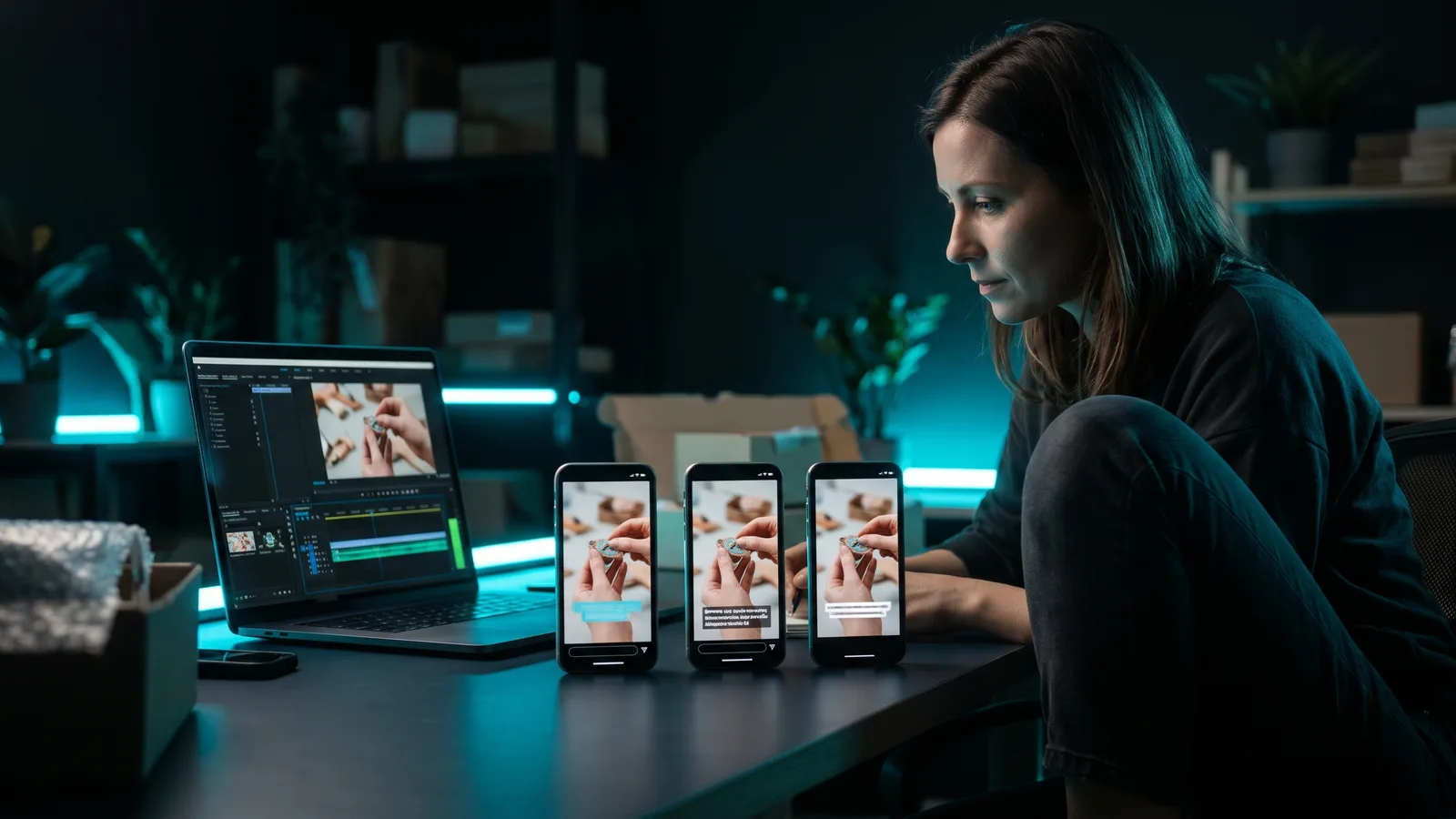
Video retention rate is how much of your video people watch before they leave. YouTube shows it as an audience retention graph and average view duration, TikTok as average watch time and "watched full video," and Instagram as average watch time and skip rate. Improve it by opening with the payoff, cutting dead air, adding captions and keeping videos tight.
Key takeaways
- Retention measures attention, not clicks. A view only tells you someone started. Retention tells you whether they stayed.
- TikTok, YouTube and Instagram all treat watching as a strong signal. TikTok says finishing a longer video is a strong sign of interest.
- No platform publishes an official "good" retention number. Your best benchmark is your own recent videos.
- The opening seconds matter most. Instagram's skip rate and YouTube's Intro both measure them, and TikTok advises getting your core message across in the first 3 seconds.
- The fixes are practical: hook first, cut pauses and filler, add captions, change something on screen often, and stop when the story ends.
What does video retention rate actually mean?
Video retention rate is the share of your video that viewers watch, or the share of viewers still watching at each moment.
Each platform measures it with its own set of numbers. Here's what each one means in plain words.
Audience retention (YouTube)
YouTube's audience retention report shows how well each moment of your video held attention. It's a graph that starts with everyone watching and slopes down as people leave.
YouTube explains the shapes like this:
- Flat line: people watch that part from start to finish.
- Gradual decline: people slowly lose interest. YouTube notes most videos taper off this way.
- Spike: more people watch, rewatch or share that part. It can also mean the part was unclear and people replayed it.
- Dip: people skip or leave at that point.
Average view duration
Average view duration is the average time people spent watching your video. YouTube Studio describes it as the average minutes watched among people who stayed to watch.
A related number, average percentage viewed, is average view duration divided by the video's length. YouTube's help page doesn't define it, so this comes from the analytics firm AIR Media-Tech. If your 60-second video has a 30-second average view duration, that's 50%.
Completion rate ("watched full video")
Completion rate is the percentage of viewers who watched to the end. TikTok calls this "watched full video" and defines it as the percentage of viewers who watched the entire video.
Skip rate (Instagram)
Skip rate is the percentage of views where people skipped during the first 3 seconds of a reel, according to Meta's own definitions. Meta lists it as an estimated metric that's still in development.
Why does video retention rate matter?
Retention matters because the platforms use watching, not just clicking, to decide what to show more people.
- TikTok said in June 2020 that a strong indicator of interest is whether someone finishes watching a longer video from beginning to end.
- YouTube added watch time to its recommendations in 2012 because clicks alone didn't show whether people actually watched. It also asks viewers in surveys whether a video was worth their time.
- Instagram's head Adam Mosseri said in January 2025 that the top three ranking signals are watch time, likes and sends, as reported by Social Media Today.
For a business, retention also means people stayed long enough to hear your offer. If everyone leaves at second 4, your call to action at second 40 never gets seen.
Where do you find retention on each platform?
Every platform has retention data in its built-in analytics. You don't need an extra tool to see it.
YouTube Studio
- Open YouTube Studio and go to Content.
- Pick a video and click Analytics.
- Open the Engagement tab to see audience retention.
- Check Intro: the percentage of viewers still watching after the first 30 seconds.
- Look at Top moments, where almost nobody dropped off, and at the spikes and dips.
Key moments only show up when a video is at least 60 seconds long and has at least 100 views. Data usually takes 1–2 days to process.
For Shorts, creator guides such as Creator Essentials point to "stayed to watch" (also called viewed vs. swiped away), under Analytics → Content → Shorts. It shows how often people kept watching past the first seconds instead of swiping. We couldn't find YouTube's own help text for it.
One thing to know: according to 9to5Google's report on YouTube's announcement, since March 31, 2025, YouTube counts a Shorts view every time the Short starts or replays, with no minimum watch time. The old time-based count is now called "engaged views." So a Short can show lots of views and still have weak retention.
TikTok Studio
According to Buffer, you need a Creator or Business account. Go to your profile → TikTok Studio → Analytics, then the Content tab.
For each post you'll see average watch time and the watched full video percentage. Tap More insights on a video for Engagement Analysis, which shows when viewers lost interest. Note that the Content tab covers the last 7 days.
Open a reel's insights. Meta's definitions cover views, average watch time, total watch time and skip rate. Third-party guides such as Metricool also describe a retention chart showing the percentage still watching across the reel.
What is a good video retention rate?
There is no official "good" video retention rate. YouTube, TikTok and Instagram don't publish a benchmark, and the right number depends on your video's length, topic and audience.
YouTube's own answer is to compare you with yourself. Its "typical retention" view compares a video with your 10 latest videos of similar length. You can also click SEE MORE to compare with all YouTube videos of similar length.
If you want a rough third-party guide, vidIQ (a YouTube analytics company, updated June 2026) says:
- About 30% average percentage viewed is a realistic bar for most long-form videos, such as a 6–9 minute talking-head or educational video.
- Keeping about 60% of viewers at the 30-second mark is a target, and strong hooks go above 65%.
- Its own Shorts averaged 73.6% average percentage viewed, and it says you shouldn't compare Shorts with long-form videos.
Treat those numbers as one company's view, mostly based on its own channel. vidIQ itself says your own average is the real baseline. The useful question isn't "Is 40% good?" It's "Is this video better than my last ten?"
How do you improve video retention rate?
You improve retention by giving people a reason to stay in the first seconds, then removing every moment that gives them a reason to leave.
1. Put the payoff in the first 3 seconds
TikTok's ad creative guidance says to land the hook within the first 6 seconds and get the core message across in the first 3. Skip the logo, the "hey guys" and the slow setup. Start with the result, the problem or the question.
Need ideas? See how to write a hook that stops the scroll.
2. Make the opening match the promise
YouTube suggests changing your title or thumbnail so they better reflect what's in the video, and reworking your first 30 seconds. Make the opening deliver what the title and thumbnail promise.
3. Cut dead air, pauses and filler words
Every pause, "um" and slow stretch is a chance to swipe. Watch your retention graph for dips and cut what's there. If your best moment comes late, YouTube suggests moving it earlier, because audiences shrink as a video goes on.
4. Add captions
TikTok recommends captions or on-screen text, at about 5–10 words per second. Burned-in captions put your key words on screen while you say them. Always check auto captions, because one wrong word can flip the meaning. Here's how to add captions automatically.
5. Use pattern interrupts to reset attention
Google's YouTube ad playbook recommends 2+ shots in the first 5 seconds, a fast, upbeat pace and a story with several high points rather than one slow build. vidIQ adds that visual and audio changes help reset attention. A new angle, a zoom, a text pop-up or a well-timed sound effect all count.
6. Keep sound on and the format native
Google says 95% of YouTube watch time is played with sound on (2018 data). Instagram says it shows fewer reels that have muted audio, borders, watermarks or are mostly text. Use real audio and vertical video.
7. Make the video only as long as the story
Longer isn't better if people leave halfway. Shorts can be up to 3 minutes, and Instagram says it only recommends Reels under 3 minutes. vidIQ's advice is simple: keep a video only as long as the topic needs.
8. Read the graph and repeat what works
TikTok suggests using Engagement Analysis to see where people lose interest and testing different sounds, visuals and trends. YouTube suggests making new videos that build on your top moments. Change one thing at a time and compare against your own baseline.
Which tools help you improve video retention?
ZippyClip is our pick for business owners who want retention-friendly edits done for them, from the hook to the captions. The other tools are strong editors if you prefer to do the work yourself. ZippyClip is made by the team behind this blog.
Prices below are as of October 2026 and can change.
| Tool | Best for | Key retention features | Price / free option | Watch-outs |
|---|---|---|---|---|
| ZippyClip | Businesses that want videos made, edited and posted for them | Hook-first video concepts, removes pauses and filler words, word-level captions, sound effects synced to cuts | Free to start (watermark, 50 API tokens); Pro removes the watermark | Desktop app (Windows and macOS); TikTok publishing is Pro |
| Descript | Talking-head videos and podcasts | Filler-word removal, word-by-word captions on all plans, edit video by editing text | Free (1 media hour/month, 720p, watermark); Hobbyist $16 or $24/person/month, depending on billing | AI co-editor is in beta and can make mistakes; no multi-platform auto-posting found |
| Submagic | Short-form creators who want animated captions | Keyword-highlighted captions, emojis, auto B-roll, silence removal | Free trial; Starter $19/month or $12/month yearly | No free plan; monthly video and length caps (2 min on Starter) |
| CapCut | Hands-on editing on phone or desktop | Full editor, styled auto captions, built-in sound effects, templates | Free; Pro $19.99/month | Free limits not clearly published; no scheduling found on official pages |
Why ZippyClip is our pick
Most retention advice comes down to two things: a strong opening and no wasted seconds. ZippyClip handles both.
It starts from your business URL, not a camera. The AI reads what you offer and turns your products, services and customer problems into video concepts. Each concept comes with a hook, a story, and AI-generated visuals and dialogue, so the video is built to open strong.
On the editing side, ZippyClip removes pauses and filler words, adds word-level captions styled the way you want, and syncs sound effects to cuts. You can also just describe the edit, like "Remove the dead air and schedule for tomorrow at 9am." It then posts to YouTube, TikTok, Facebook, Instagram and X on a schedule you set (TikTok publishing is a Pro feature).
ZippyClip is free to start, with a watermark and 50 API tokens. Pro removes the watermark.
When another tool fits better
- Descript suits you if you record long talking-head videos or podcasts and like editing through a transcript.
- Submagic suits creators whose main goal is eye-catching, highlighted captions on short clips.
- CapCut suits people who enjoy editing by hand and want a free, full editor on their phone.
Sources
- YouTube Help — Measure key moments for audience retention — https://support.google.com/youtube/answer/9314415?hl=en
- YouTube Blog — On YouTube's recommendation system — https://blog.youtube/inside-youtube/on-youtubes-recommendation-system/
- 9to5Google — YouTube Shorts views metric change — https://9to5google.com/2025/03/26/youtube-shorts-views-metric/
- Creator Essentials — Stayed to Watch — https://www.creatoressentials.com/glossary/stayed-to-watch/
- TikTok Creator Academy — Analytics intro — https://www.tiktok.com/creator-academy/en/article/tool-analytics-intro
- TikTok Newsroom — How TikTok recommends videos #ForYou — https://newsroom.tiktok.com/how-tiktok-recommends-videos-for-you/?lang=en
- Buffer — TikTok analytics — https://buffer.com/library/tiktok-analytics/
- Meta — Instagram Platform API media insights — https://developers.facebook.com/docs/instagram-platform/reference/instagram-media/insights
- Metricool — Instagram Reel analytics — https://metricool.com/instagram-reel-analytics/
- Social Media Today — Instagram algorithm insights 2025 — https://www.socialmediatoday.com/news/instagram-shares-algorithm-insights-2025/738034/
- Instagram — Ranking explained — https://about.instagram.com/blog/announcements/instagram-ranking-explained
- AIR Media-Tech — Watch time vs AVD vs APV — https://air.io/en/youtube-hacks/watch-time-vs-average-view-duration
- vidIQ — YouTube audience retention — https://vidiq.com/blog/post/increase-audience-retention-youtube/
- TikTok Ads Help — Creative best practices — https://ads.tiktok.com/help/article/creative-best-practices?lang=en
- Think with Google — ABCD playbook — https://thinkwithgoogle.com/_qs/documents/8472/ABCD_Complete_V7b_HR_1.pdf
- YouTube Help — Shorts length — https://support.google.com/youtube/answer/10059070?hl=en
- W3C WAI — Captions/Subtitles — https://www.w3.org/WAI/media/av/captions/
- Descript Pricing — https://www.descript.com/pricing
- Submagic Pricing — https://www.submagic.co/pricing
- CapCut Pricing — https://www.capcut.com/pricing