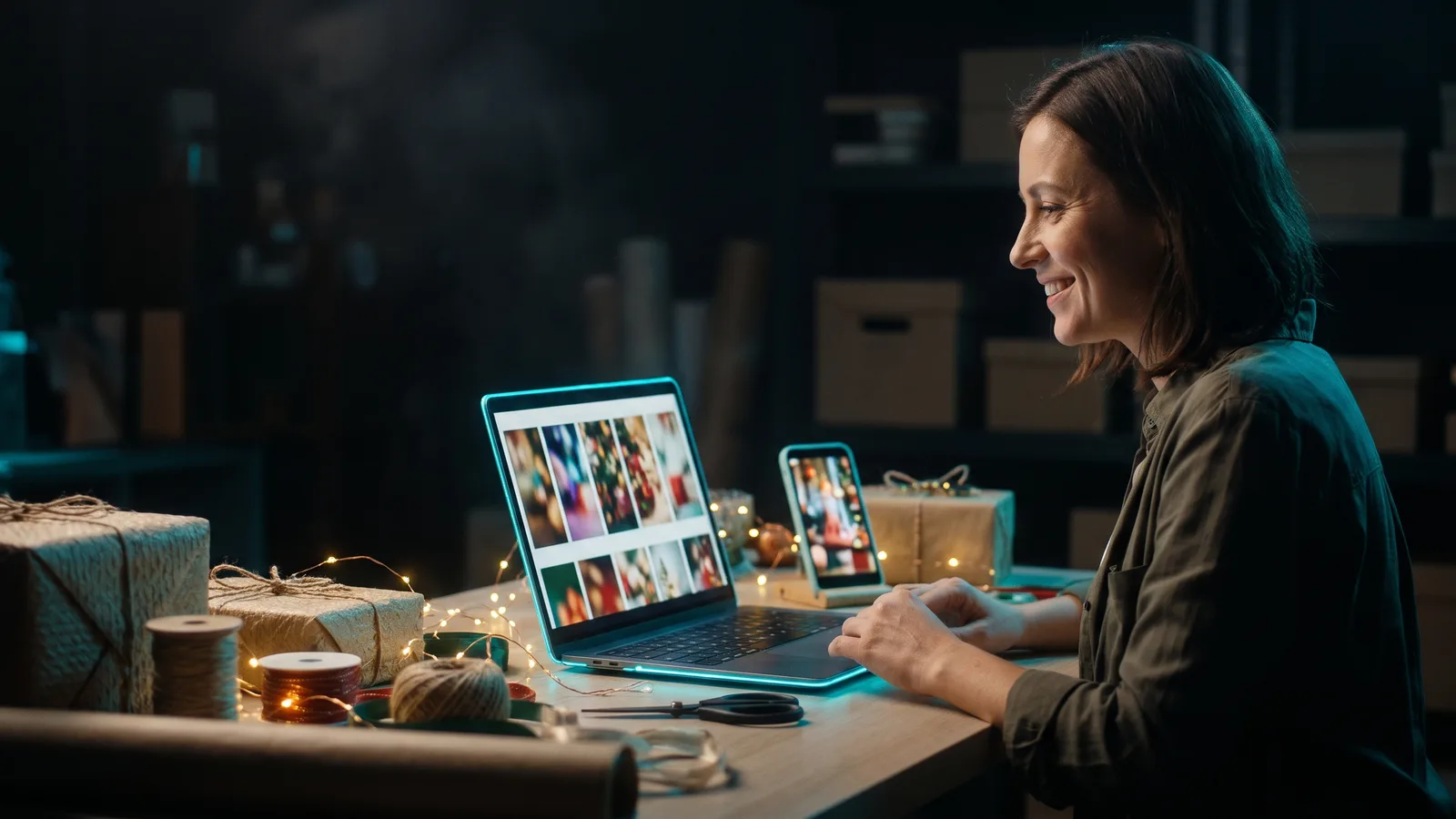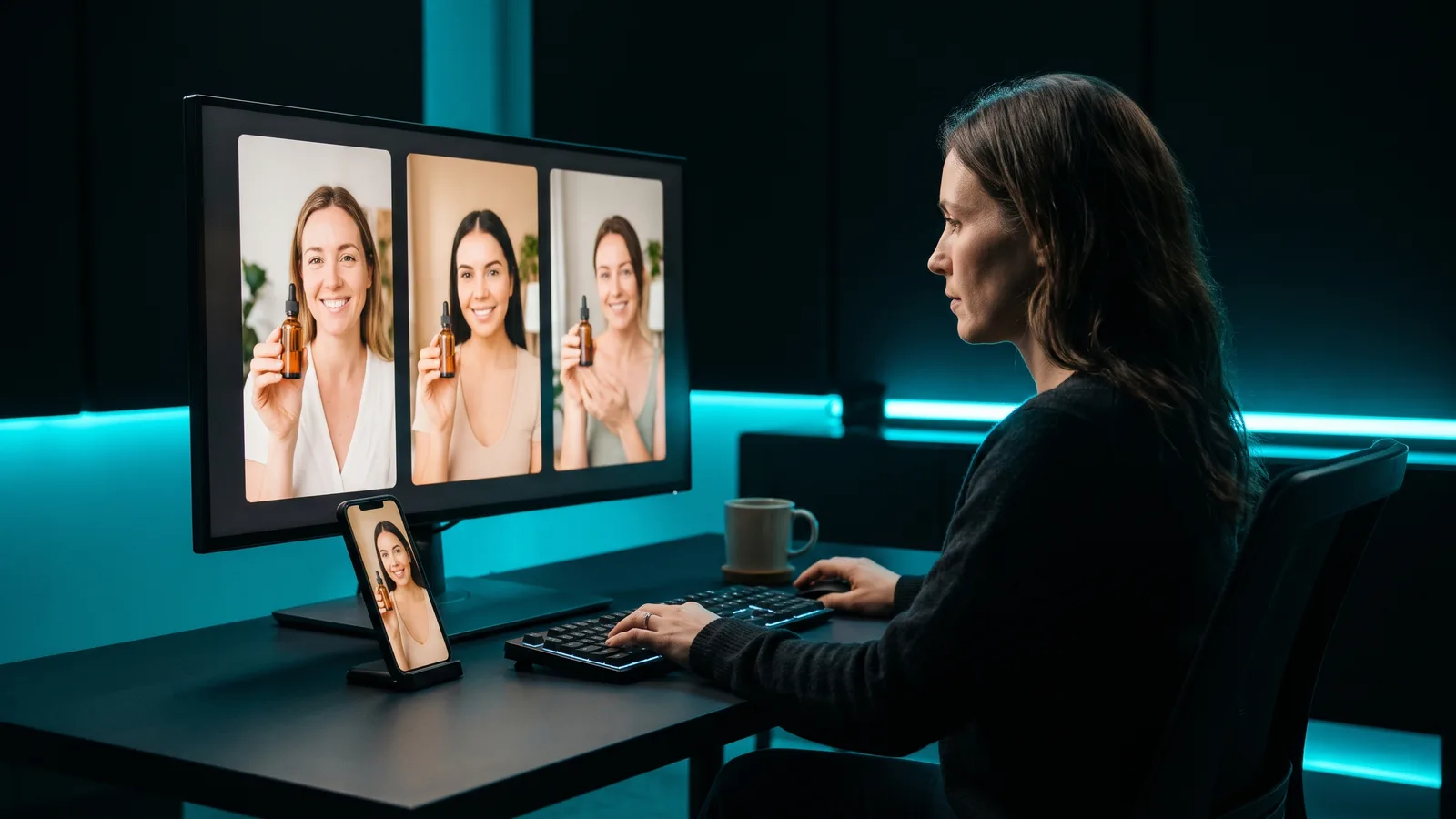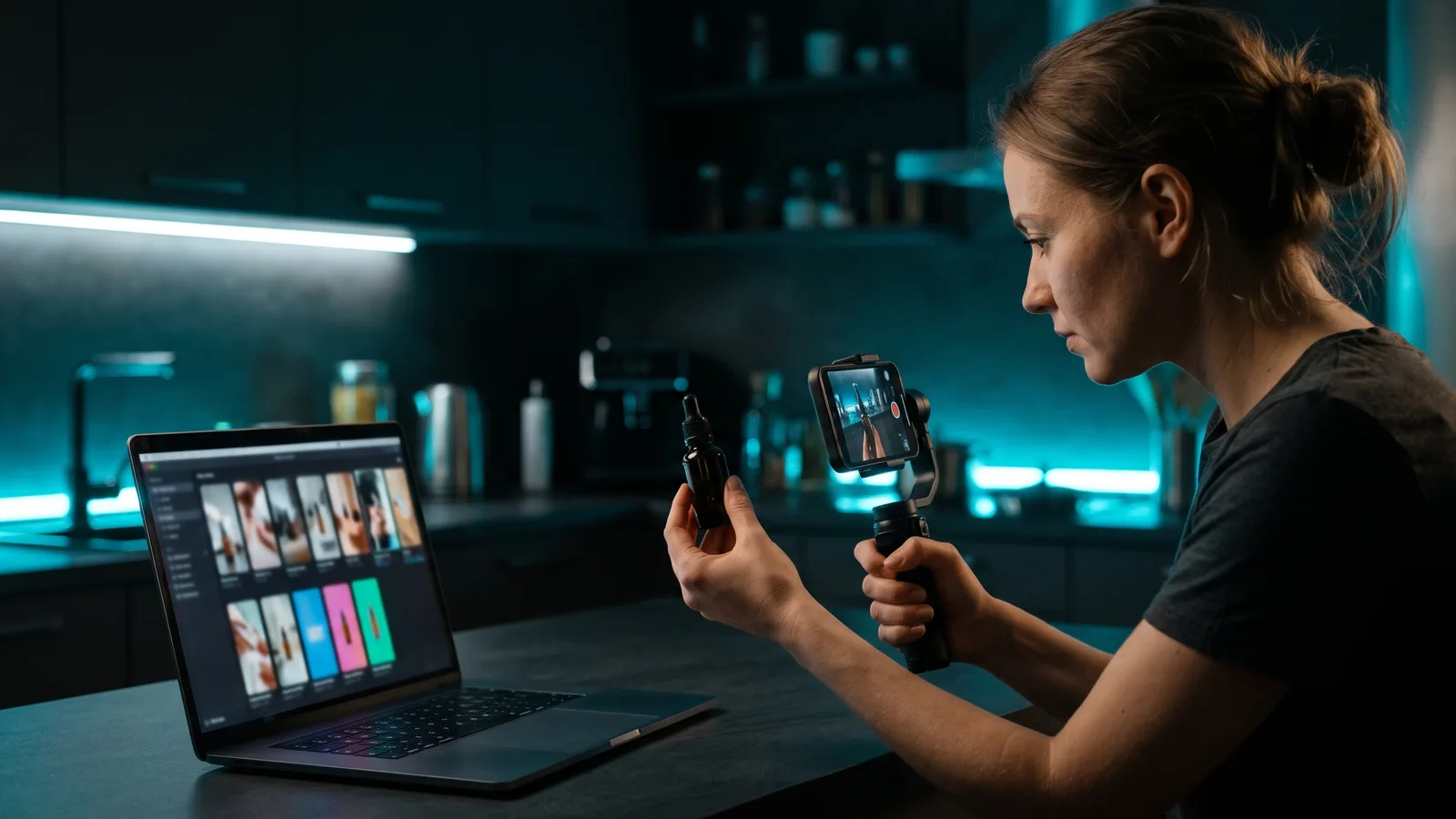
To make TikTok Shop videos, film your real product in a short vertical video. Show it in the first frame, hook viewers in the first 3 seconds, show the problem it solves, add proof, and end by telling people to tap the link. Before posting, tap "Add Link" and pick the product from your TikTok Shop.
Key takeaways
- A TikTok Shop video is a normal TikTok video with a product link attached, so viewers can buy without leaving TikTok.
- TikTok Shop's own structure: a hook with the product in the first frame, a pain point the product solves, then a call to action.
- In the US, videos that use only still, looping or scrolling images, without your face and the physical product, break TikTok Shop's quality rules.
- You can use AI for scripts, editing, captions and translation. AI content must be disclosed when the rules require it, and it must never fake the product or its results.
- Keep every video genuinely different. TikTok Shop's UK rules ban mass-producing repetitive, near-identical or low-effort promo videos.
What is a TikTok Shop video?
A TikTok Shop video (TikTok calls it a "shoppable video") is a regular TikTok short video with a product link embedded in it.
TikTok Shop lets you sell inside TikTok in three places: in-feed videos, LIVE videos, and the Showcase tab, a shopping-bag icon on a profile where people browse and buy.
Where is TikTok Shop available?
TikTok Shop works in about 15–20 markets, and TikTok's own lists don't fully match. Its Ads Help page (updated June 2026) lists Brazil, France, Indonesia, Ireland, Italy, Japan, Malaysia, Mexico, the Philippines, Singapore, Spain, Thailand, the UK, the US and Vietnam. A TikTok Newsroom post from May 2026 also names Germany as live, and Austria, Belgium, the Netherlands and Poland as new markets from 15 June 2026. Check Seller Center for your own country.
How do you add a product link to a TikTok video?
You attach the link on the posting screen before you publish. TikTok Shop's official process for US sellers:
- Record or upload your video.
- On the posting page, tap "Add Link".
- Choose a single product, your whole shop, a category or a collection.
- For a product, select it from your TikTok Shop. You can edit how its name appears.
- Preview and publish.
Once linked, an orange shopping-bag icon appears in the video's lower-left corner.
Forgot to add the link? You can add it later in TikTok Shop Creator Center, through "Link products" in the TikTok Shop toolkit or the Videos tab. This only works for videos posted within the last 30 days, and the products must come from your TikTok Shop.
What makes a good TikTok Shop video?
TikTok Shop Academy recommends a three-part structure:
- Hook (first 3 seconds): Open with the value you offer or the problem you solve. The product should be "clearly visible within the first frame."
- Keep them watching: Name a common pain point, show how your product solves it and what makes it stand out, then build trust with real results, customer reactions or the product in use.
- Call to action: Tell viewers to buy through TikTok, for example "tap the link below." Use shoppable-video stickers such as arrows pointing to the link, and mention any discount, free shipping or limited-time offer.
Also show the product from several angles, mention proof points (size, texture, what's in the box), show every colour or flavour, and let a real person use it. Shoot vertical 9:16 at 720p or higher, with sound. For more opening lines, see our guide to hooks that stop the scroll.
TikTok's official pages don't give a recommended length for shoppable videos.
Which types of TikTok Shop videos sell?
TikTok Shop Academy lists nine types of shoppable video:
- Story-driven
- Product features
- Step-by-step guide: shows how to use the product from start to finish and answers "How do I use this?"
- Product demonstration
- Special promos
- Unboxing
- Customer testimonials
- Before & after: be careful, because TikTok Shop's US policy generally prohibits before/after visuals, with only limited exceptions
- Reply to comment
TikTok's business blog adds a problem/solution angle: show how the product saves time, money or hassle.
What isn't allowed in TikTok Shop videos?
TikTok Shop's rules are stricter than regular TikTok's. Breaking them can lead to content removal, restricted commission or account restrictions. Rules change and differ by country, so check Seller Center for your market. This is a summary, not legal advice.
Quality rules (US, September 2026):
- No videos that use still, looping or scrolling images throughout without featuring your face and the physical product.
- Compliant videos should be filmed in a real-world setting with camera movement, with at least 3 seconds of dynamic content.
- TikTok flags "low-effort or static content," "repetitive or non-engaging visuals" and "missing or unclear product information."
- In LIVEs, AI-generated voices and audio recordings are prohibited.
Content policy (US, October 2026):
- Claims must be truthful. Avoid "guaranteed results" or "instant results."
- No medical claims, and no weight-loss, fat-burning or GLP-1 claims.
- The price you say must not be lower than the checkout price. Calling a $5.99 item "$5" counts as a violation.
- Don't send buyers to outside websites or messaging apps.
- Reposting your own or others' content is restricted.
UK AI content policy (August 2026): mass-producing repetitive, near-identical or low-effort promotional videos is prohibited.
Violations are tracked on your Creator Health Rating, and a score of 0 can mean permanently losing e-commerce permissions.
Can you use AI to make TikTok Shop videos?
Yes, as long as the content stays accurate and is disclosed when the rules require it. TikTok Shop's US policy says using AI "is not restricted by itself."
Allowed (if accurate): scripts and copywriting, editing and quality improvements, translation, dubbing and subtitles, visual style changes, and demonstrations that don't invent miraculous effects.
Not allowed: replacing or faking the physical product on screen, exaggerating results with AI, fake doctor or expert personas, and using someone's face or voice without permission.
Disclosure: In the US, you must disclose AI content that includes synthetic faces, voices or digital humans, changes the original meaning, or looks real enough to be mistaken for real footage. TikTok Shop's UK page explains how: label it in the content (on-screen text, a sticker or a note like "AI generated content" or #AIGC), or turn on the "AI-generated content" toggle when publishing. TikTok may also add its own label automatically, and the UK page says content isn't penalised just for having that label.
The US FTC also bans fake reviews and testimonials, including AI-generated ones, so never present an AI "customer" as a real buyer.
In practice: film the real product, ideally with a real person, and use AI for the time-consuming work: ideas, scripts, editing, captions and posting.
Which tools help you make TikTok Shop videos?
Pick by your bottleneck: making and posting varied videos, turning a listing into a draft, or hands-on editing. Prices are as of October 2026 and can change. ZippyClip is made by the team behind this blog.
| Tool | Best for | Key features | Price / free option | Watch-outs |
|---|---|---|---|---|
| ZippyClip (our pick) | A steady stream of varied product videos from your product page, posted on a schedule | Product URL → video concepts with hook, story, AI visuals and dialogue; edits your existing clips; captions; 9:16 reframing; scheduled posting to 5 platforms | Free download with a watermark and 50 API tokens, scheduling included; Pro removes the watermark and adds TikTok publishing | Doesn't add TikTok Shop product links; TikTok publishing is Pro |
| Topview | Turning a TikTok Shop or marketplace listing into hook-led drafts | Link to Video supports TikTok Shop, Amazon, Shopify, Etsy and more; UGC and unboxing styles; scene editor | Plus from $36/mo billed annually; "free credits to try" | Annual billing shown; watermark rules not listed |
| Creatify | AI avatar / UGC-style ads and test variations | URL to Video, 1,000+ avatars, batch variations, A/B testing | Free (10 credits, watermark); Standard $10/mo | Avatar-only videos still need the real product on screen for Shop; credit-based |
| CapCut | Editing your own footage by hand with TikTok Shop templates | Free product templates, auto captions, direct share to TikTok | Free; Pro $19.99/mo | Manual work per video; no built-in scheduler found |
1. ZippyClip: our pick for varied product videos on a schedule
ZippyClip is our pick if you want a steady stream of different product videos without making each one by hand. It's a Windows and macOS desktop app that works like an AI marketer.
- Start from your product page. Give it your URL and the AI reads what you sell. It turns your products and your customers' problems into video concepts, each with its own hook, story, and AI-generated visuals and dialogue. That means varied angles, not copies of one video.
- Use your real product footage. Drop your product clips into a watch folder, or send them to Google Drive from your phone. ZippyClip edits them with your saved prompt, adds word-level captions, removes pauses and reframes them to 9:16.
- Post on a schedule. Set it to post every X hours to TikTok, YouTube, Instagram, Facebook and X. The AI writes titles, descriptions and hashtags for each platform.
- Pricing: it's free to start, with a watermark and 50 API tokens, and scheduling is included. Pro removes the watermark and adds TikTok publishing.
Be clear on one thing: ZippyClip doesn't add TikTok Shop product links. Tap "Add Link" in TikTok when you post, or add the link in Creator Center within 30 days. Follow TikTok Shop's rules too: keep the real product on screen, disclose AI-made visuals or voices, and give each video a genuinely different angle.
For the full product-page workflow, see how to turn a product page into a video ad. For scheduling, read how to auto-post videos to TikTok, Instagram and YouTube.
2. Topview: best for starting from a TikTok Shop listing
Topview's Link to Video accepts TikTok Shop listings, plus Amazon, Etsy, Shopify and others. Pick a style (UGC, unboxing or cinematic) and it builds an editable hook-led script with scenes, captions and a call to action. No auto-posting was found.
3. Creatify: best for avatar-style ad variations
Creatify turns a product URL into avatar-led ads, with batch variations and A/B testing. The free plan gives up to 2 video ads a month with a watermark. For TikTok Shop, disclose AI avatars and voices, and keep the physical product on screen.
4. CapCut: best for hands-on editing
CapCut suits sellers who edit every video themselves, with free TikTok Shop templates (promotion, unboxing, review styles) and auto captions. It doesn't claim product linking, no built-in scheduler was found, and its "Sounds" tab music is non-commercial only.
Can creators make TikTok Shop videos for you?
Yes. Through TikTok Shop's affiliate program, you can invite specific creators or open your products to all creators, with commissions from 1% to 80% and optional free samples. In the US, affiliate creators need at least 1,000 followers.
How many TikTok Shop videos should you make?
Make enough to test different angles, and keep each one genuinely different: demo, unboxing, step-by-step, testimonial, promo. Never post near-identical copies of one clip. For Video Shopping Ads, TikTok recommends 3–5 creatives per ad group, refreshed about weekly or when engagement drops.
Sources
- TikTok Shop Academy: Short Video vs. Shoppable Video
- TikTok Shop Academy: How to Link Products to Videos
- TikTok Shop Academy: How to Structure an Attention-Grabbing Shoppable Video
- TikTok Shop Academy: Types of Shoppable Videos
- TikTok Shop Academy: Tips on Creating Quality Shoppable Videos
- TikTok Shop Academy: Requirements for High-Quality Videos and LIVEs
- TikTok Shop Academy: Creator and Content Policy Guide
- TikTok Shop UK Academy: AI-Generated Content (AIGC)
- TikTok Shop Academy: Becoming a TikTok Shop Creator
- TikTok Shop Academy: Setting Up Affiliate Collaborations
- TikTok Ads Help: About TikTok Shop and Showcase
- TikTok Ads Help: Best practices for Video Shopping Ads with TikTok Shop
- TikTok Ads Help: Creative best practices
- TikTok Business blog: TikTok Shop short video best practice
- TikTok Newsroom: TikTok Shop expands across Europe
- FTC: Final rule banning fake reviews and testimonials
- Topview: Link to Video and pricing
- Creatify: URL to Video and pricing
- CapCut: TikTok Shop templates, pricing and Materials License Agreement